Terms & Condition
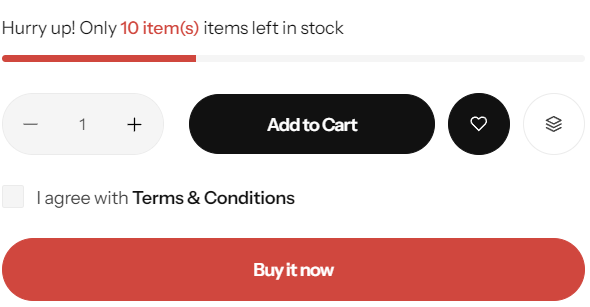
Steps
In the theme editor (Customize) , click Terms & Condition
Locate Terms & Condition
Make necessary changes
Save
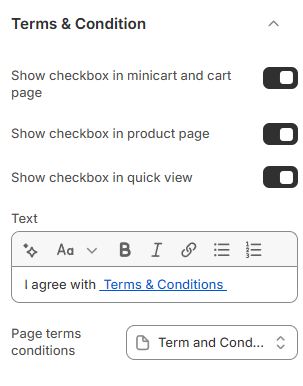
Show checkbox in minicart and cart page: Choose whether to display the checkbox for terms and conditions in both the minicart and cart page.
Show checkbox on the product page: Decide if the terms and conditions checkbox should appear on the product page.
Show checkbox in quick view: Determine whether to display the terms and conditions checkbox in the quick view popup.
Text: Set the content that will be displayed for the terms and conditions.
Last updated 1 year ago