404 Page
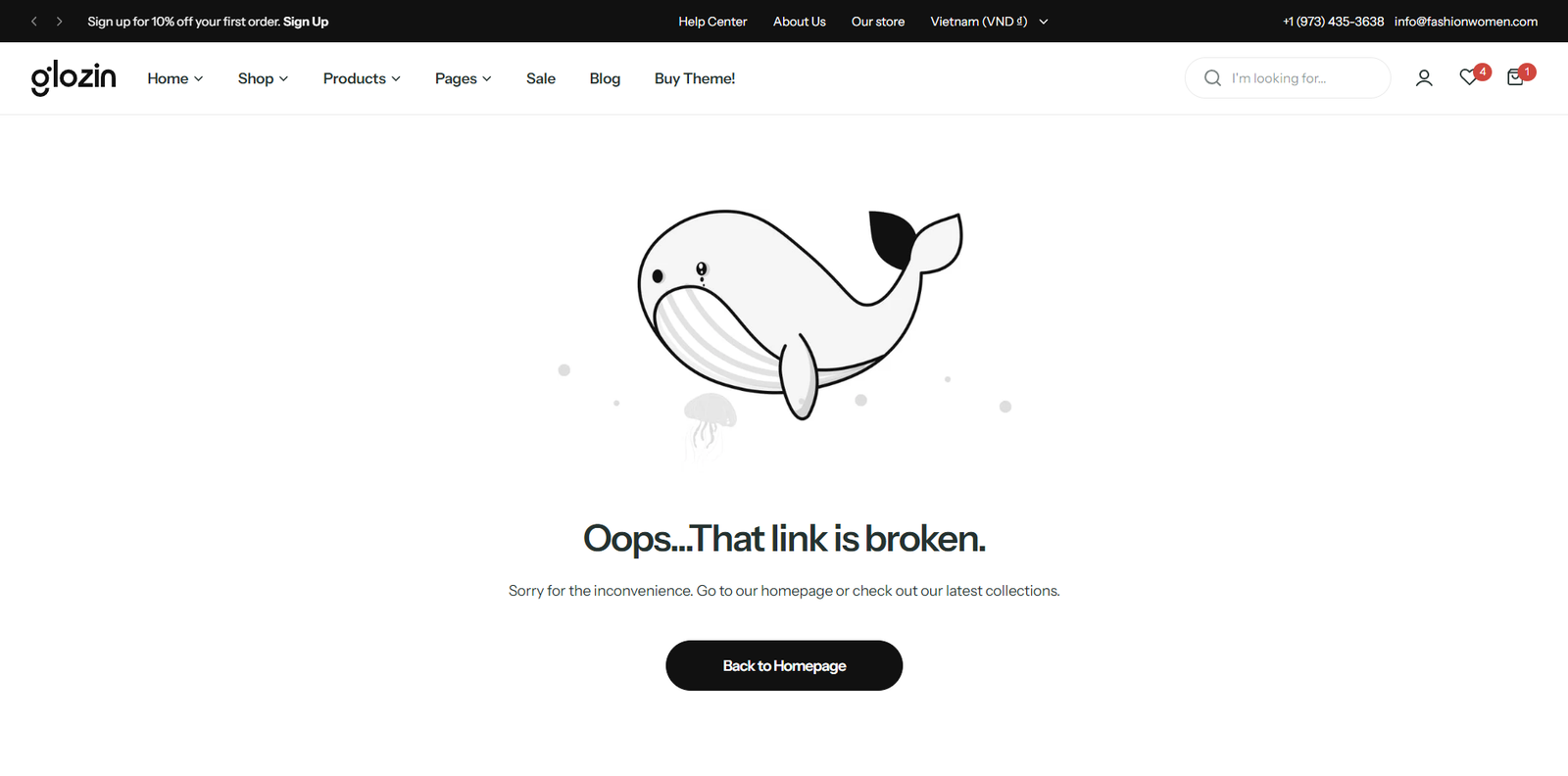
Steps
In the theme editor (Customize) , open the template selector
Select Others , then 404 page.
Make necessary changes
Save
Section settings#
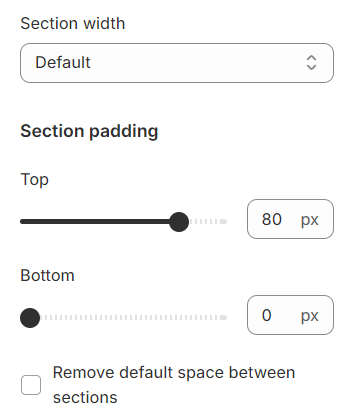
Section width: You can choose among Fluid container, Full width, Stretch width for the banner layout.
Block settings#
Image#
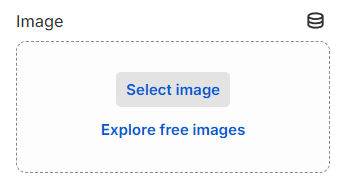
Select an image that will represent the 404 error page, providing a visual cue to visitors that the page they are seeking cannot be found.
Heading#
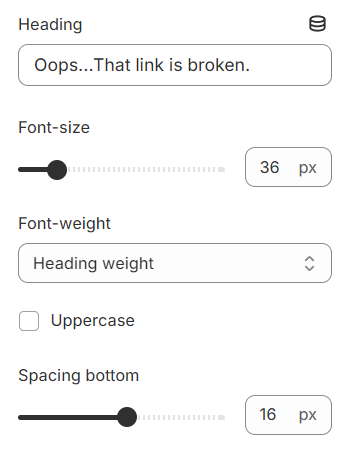
Use the provided text fields to add a suitable heading. Leave it blank if you do not want to display. Besides, you can adjust the text font size, font weight and text transformation here.
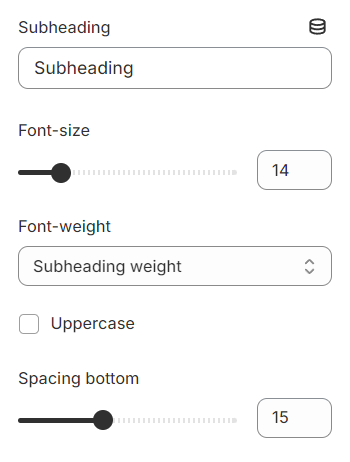
Subheading#
Use the provided text fields to add a suitable subheading. Leave it blank if you do not want to display. Besides, you can adjust the text font size, font weight and text transformation here.
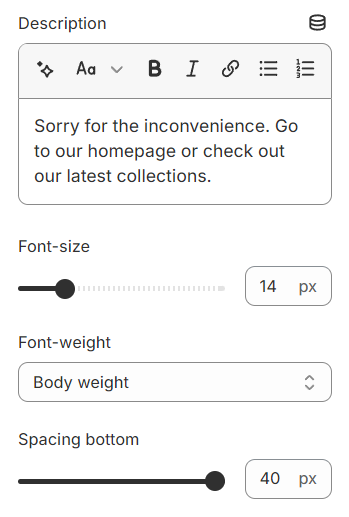
Description#
Use the provided text fields to add a suitable description. Leave it blank if you do not want to display. Besides, you can adjust the text font size, font weight and text transformation here.
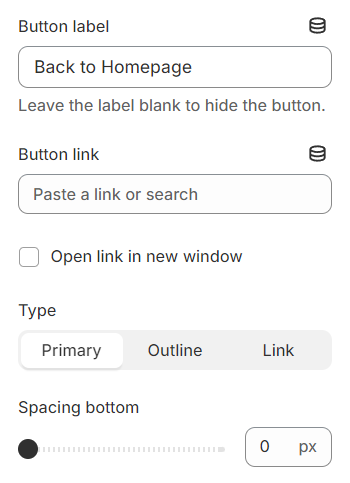
Button#
You can configure the button here by adding a content label and specifying the link it should direct to.
Type: Determine the style for the button.
c
Last updated 1 year ago