Product with banner
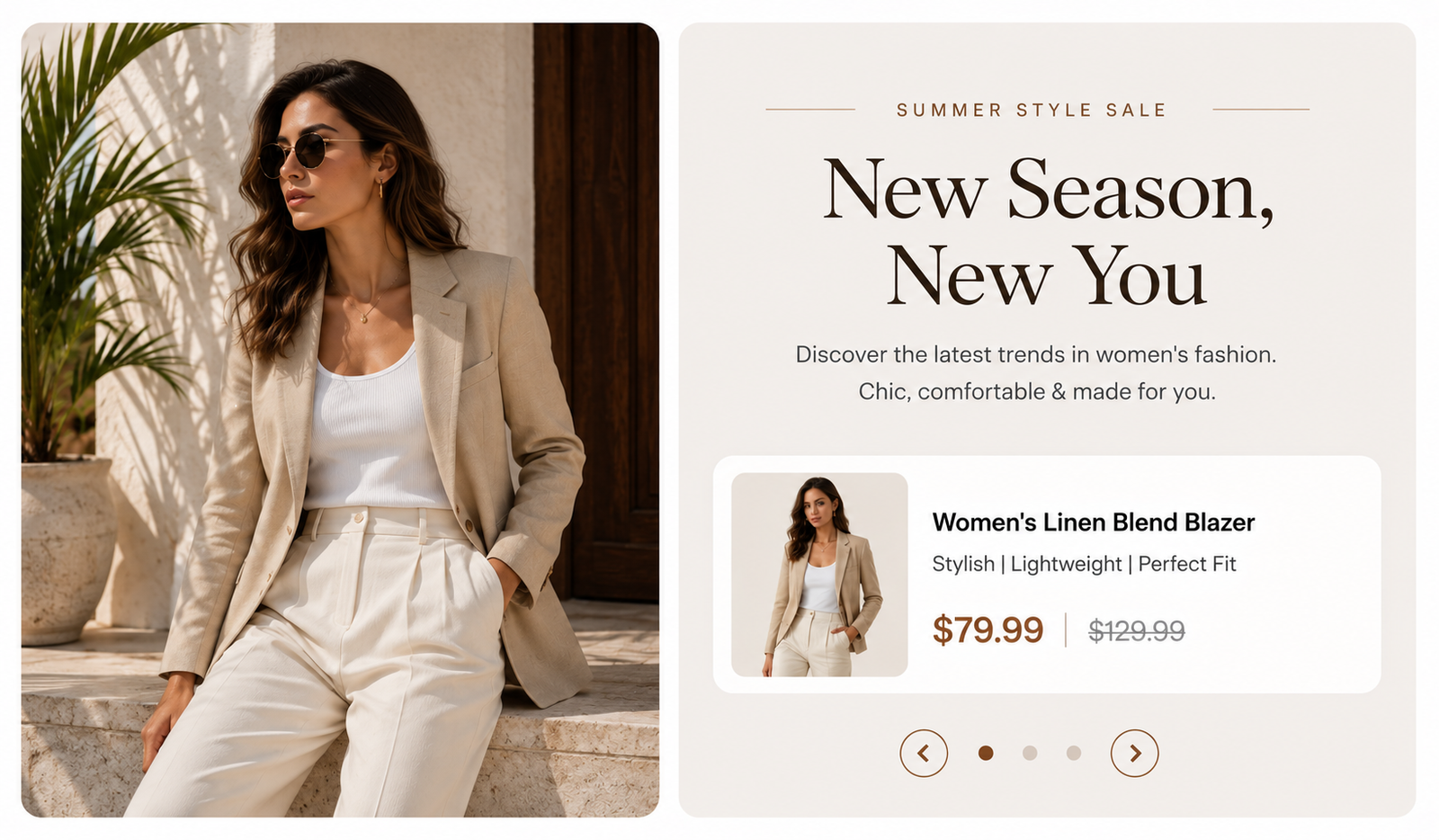
In the theme editor ( Customize ), click Add section
Locate Product with banner
Save
Section settings#
Section header and General#
Section width: You can choose among Fluid container, Full width, Stretch width for the banner layout.
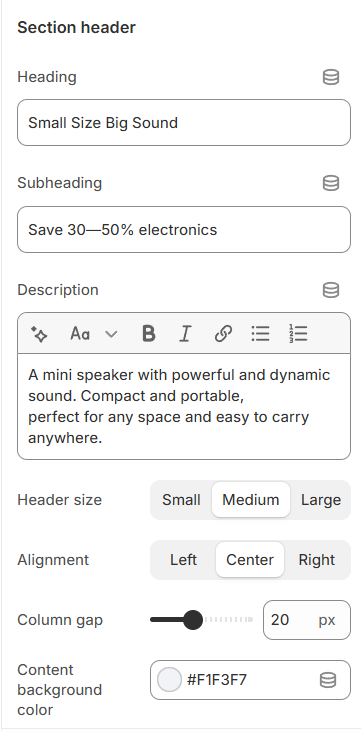
Use the provided text fields to add a suitable subheading/heading/description. Leave any of them blank if you do not want to display them.
Adjust the text alignment (left/center/right) along with the font size.
Column gap: Adjust the spacing between columns to control the layout and improve visual organization.
Content background color: Select a background color for the content area to enhance visibility and match your design style.
Block setting#
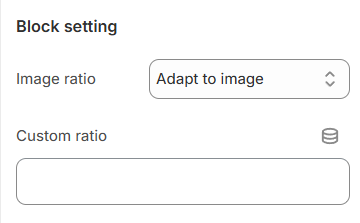
Image ratio: Adjust the aspect ratio of the image to control its proportions and maintain a consistent design.
Custom Ratio: Input a specific aspect ratio to customize the image proportions according to your design requirements.
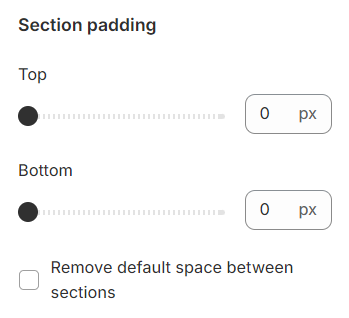
Section padding:#
Section padding allows you to specify the space between this section and the preceding or following sections, or both.
Blocks settings#
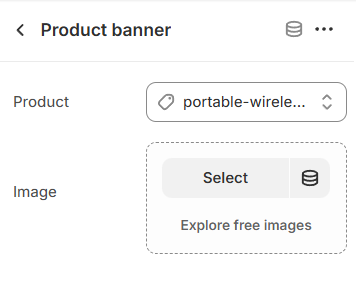
Each block corresponds to a single product and an accompanying image banner, allowing for customized product showcases.
Last updated 1 year ago