Footer
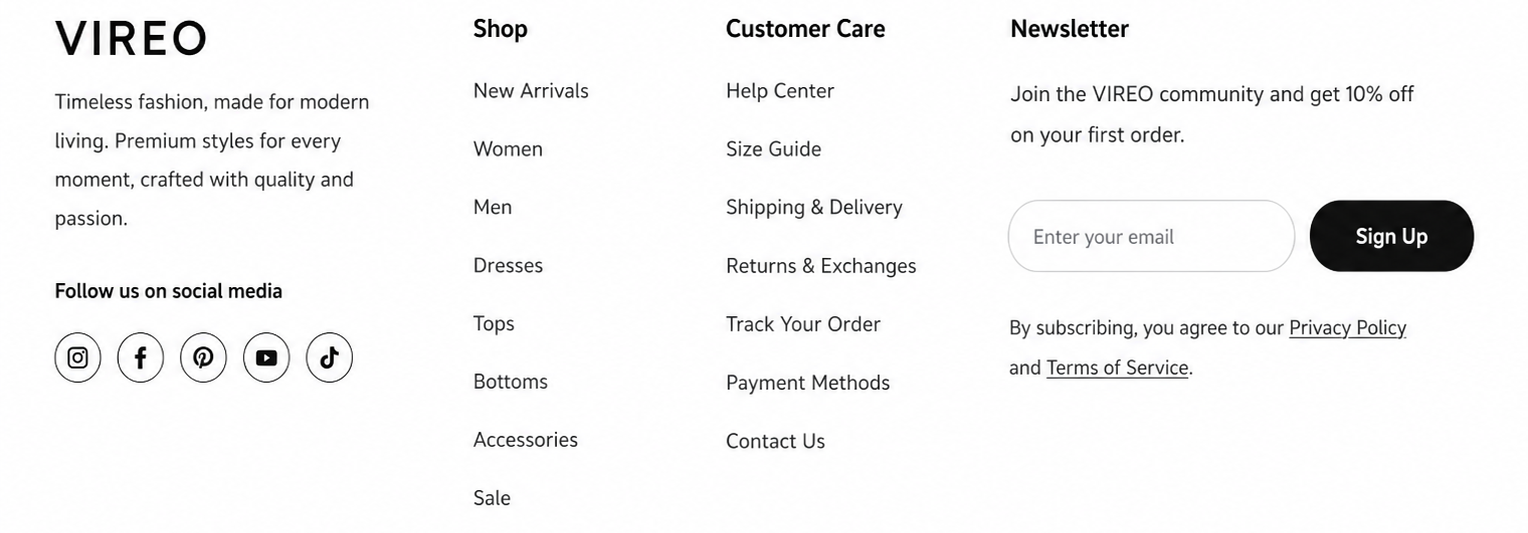
Section settings#
Section width: You can choose among Fluid Container, Stretch width, Full width for the layout or just leave it with the default layout.
Color scheme: Set text color and background color with preset scheme
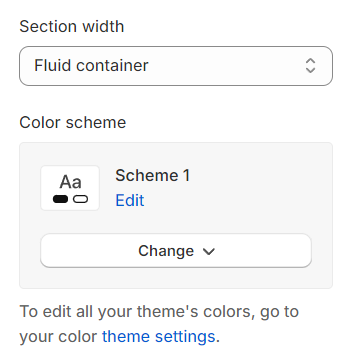
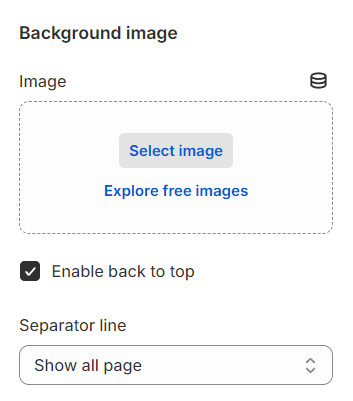
Image: Choose an image to be displayed as background image for footer.
Enable back to top: Decide to enable back to top button.
Separator line: Decide to show separator line on which page.
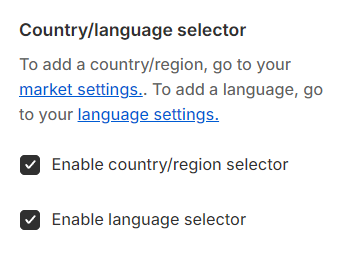
Country/language selector#
This feature allows you to display a country and language selector.
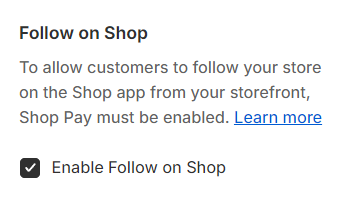
Follow on Shop#
This feature enables customers to follow your store on the Shop app directly from your storefront.
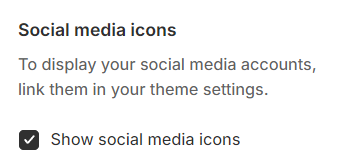
Social media icons#
This feature enables the display of social media account icons in the footer.
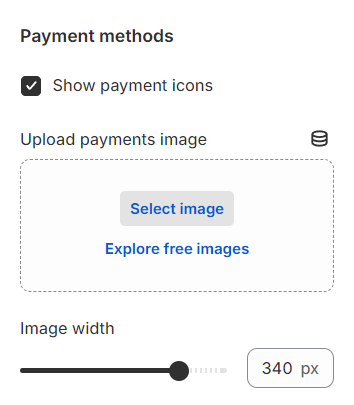
Payment methods#
This feature enables the display of payment method icons in the footer.
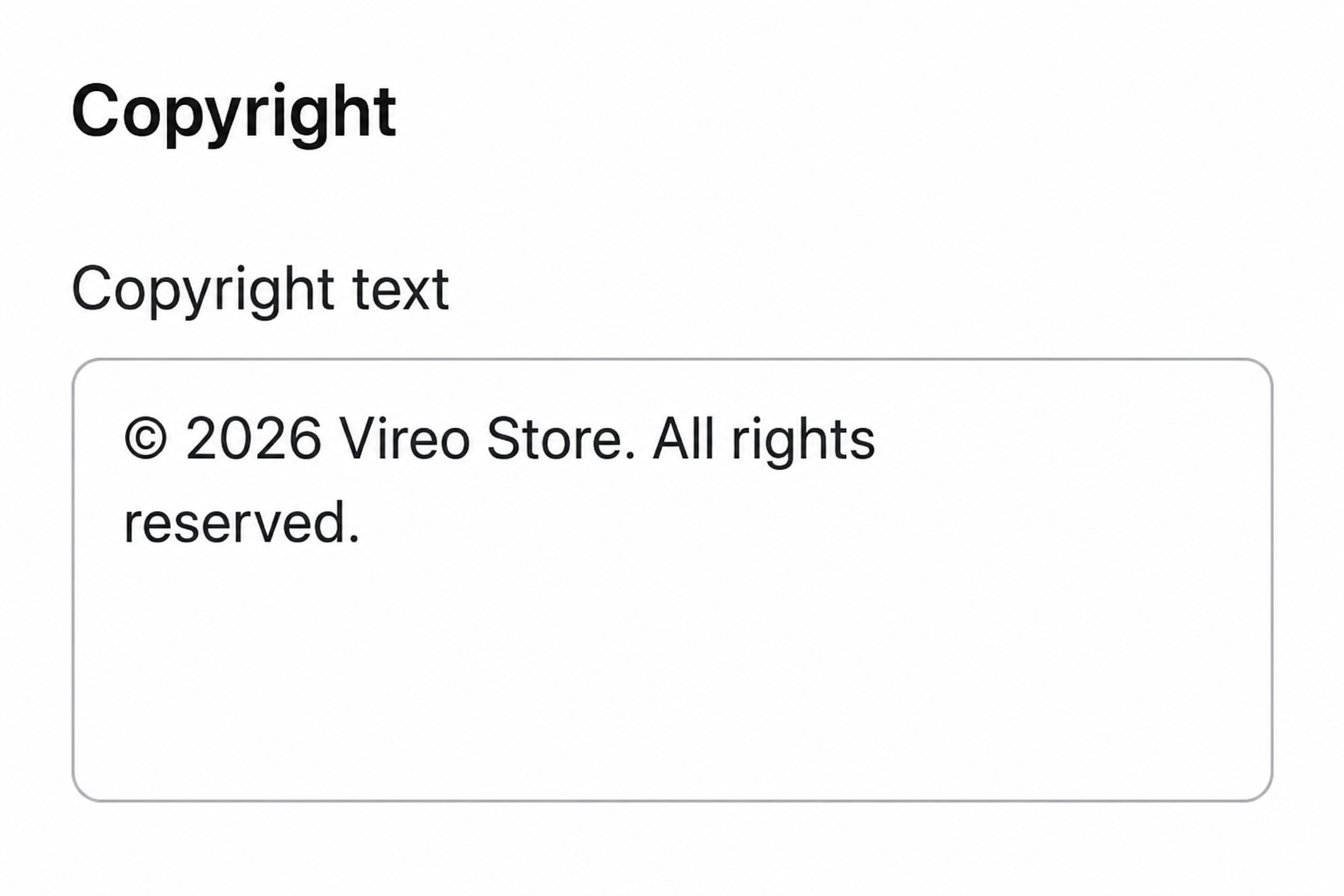
Copyright#
By filling in the text box, you can make it visible in the footer.
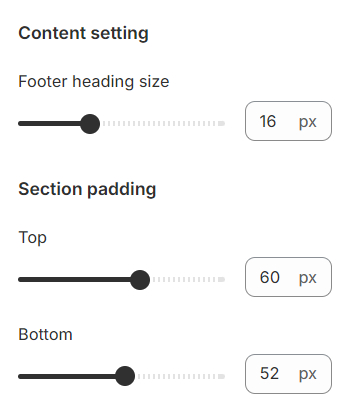
Content setting and Section padding#
Section padding allows you to specify the space between this section and the preceding or following sections, or both.
Last updated 1 year ago