Video with text overlay
Section settings#
General#
Section width: You can choose among Fluid container, Full width, Stretch width for the banner layout.
Color scheme: Set text color and background color with preset scheme
Video#
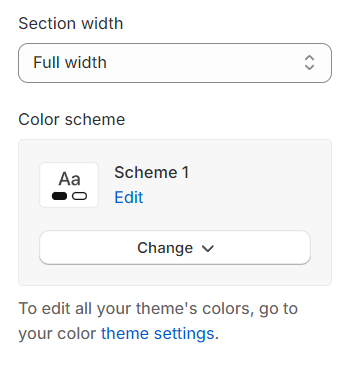
Video selection : Choose between a video URL or a local video file to display. Note that if both are provided, the local video will take precedence.
Video poster :
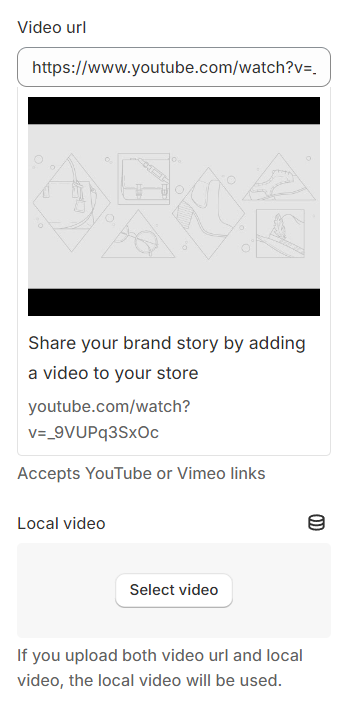
Choose Image : Select an image to use as the video thumbnail.
Opacity : Set the opacity level for the thumbnail image.
Height : Adjust the height of the thumbnail image.
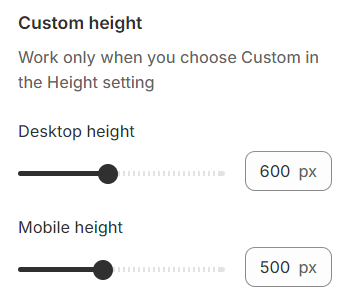
Custom height#
Custom height: Define a custom height in desktop and mobile if the standard options do not meet your specific requirements, offering further customization.
Content settings#
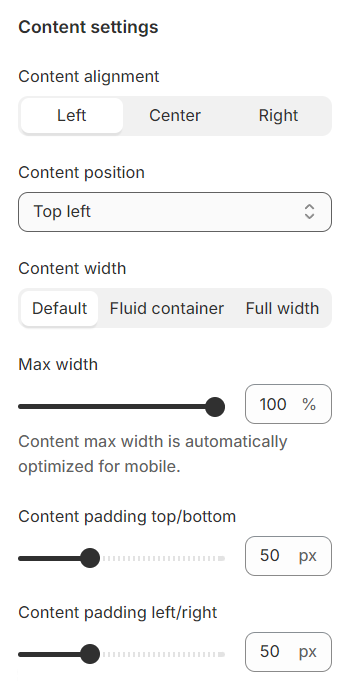
Content alignment: Options to align text left, center, or right are available.
Desktop content position: Vertically and horizontally align the content for optimal positioning.
Content width: Define the width of the content box for a tailored fit.
Content padding : Configure the padding for the content box.
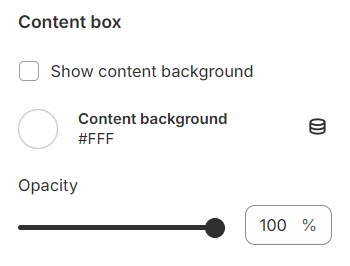
Content box#
You can set a background color and adjust the opacity for the it.
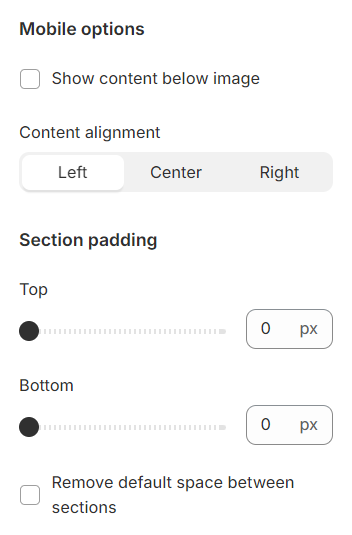
Mobile options and Section padding#
Content Placement : Choose to display content below the image or maintain the same layout as on desktop.
Content alignment : Set the alignment for content on mobile devices.
Section padding allows you to specify the space between the slideshow and the preceding or following sections, or both.
Block settings#
With each block added, you will have the option to relocate them and access more detailed settings.
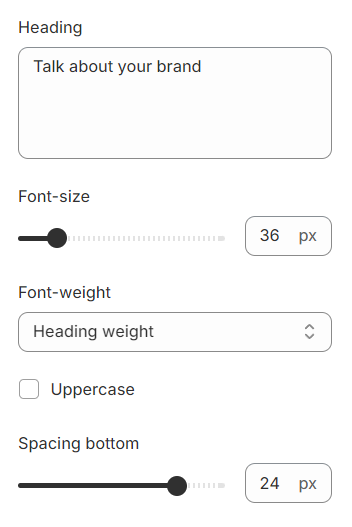
Heading#
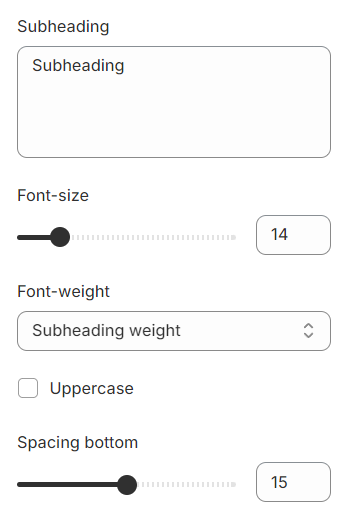
Subheading#
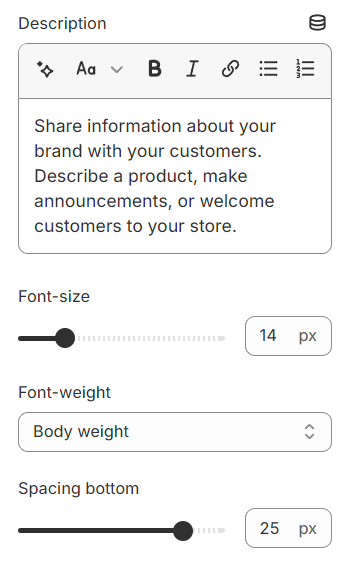
Description#
Button#
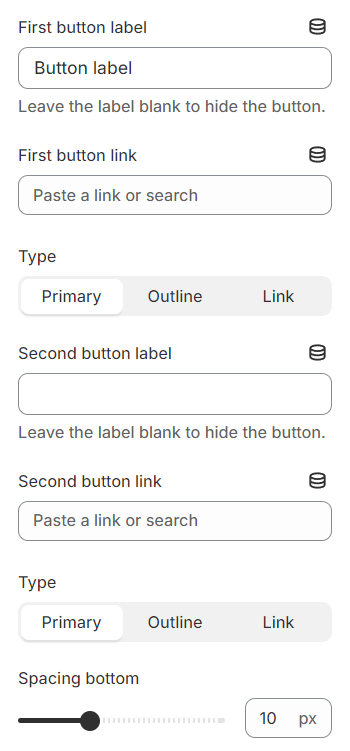
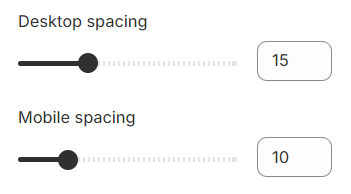
Spacing#
Last updated 1 year ago