Scrolling text
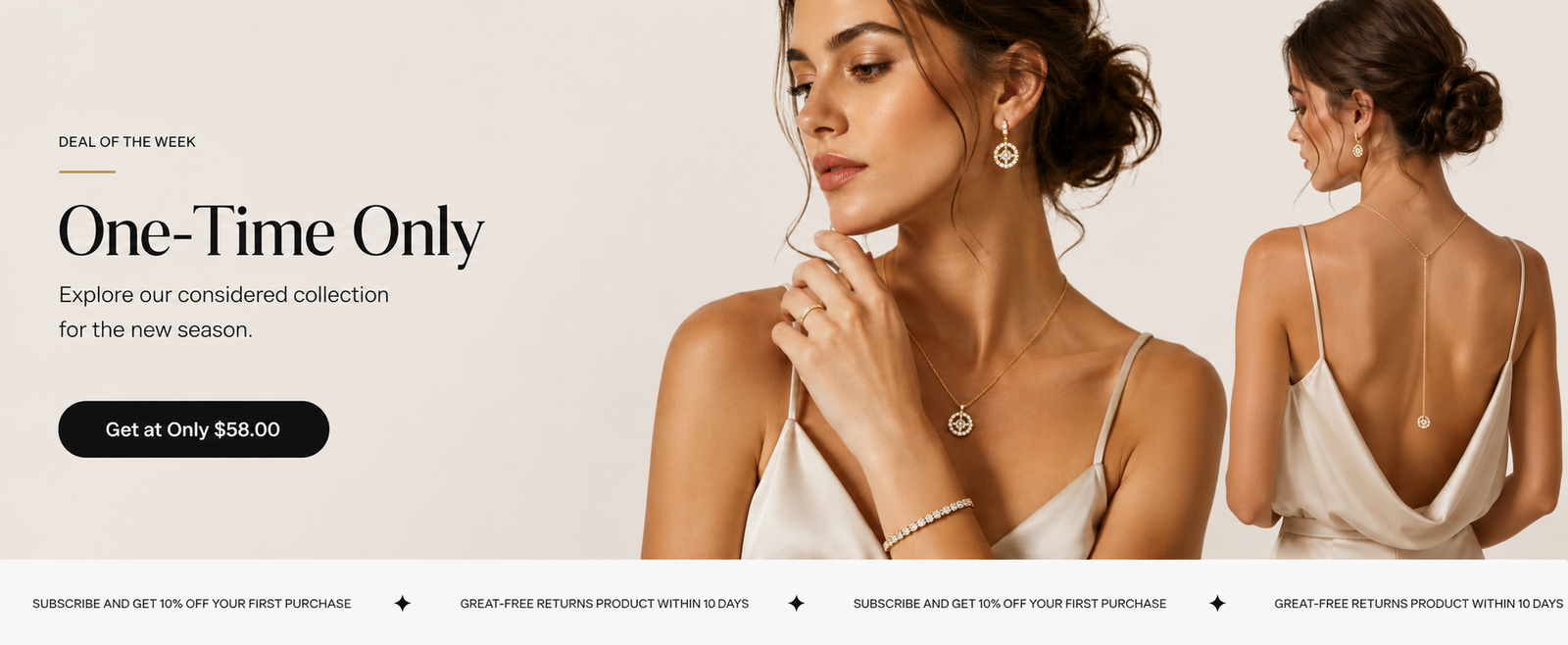
Steps
In the theme editor ( Customize ), click Add section
Locate Scrolling text
Save
Section settings#
General settings#
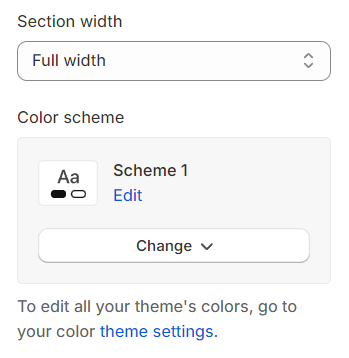
Section width: You can choose among Fluid container, Full width, Stretch width for the banner layout.
Color scheme: Set text color and background color with preset scheme
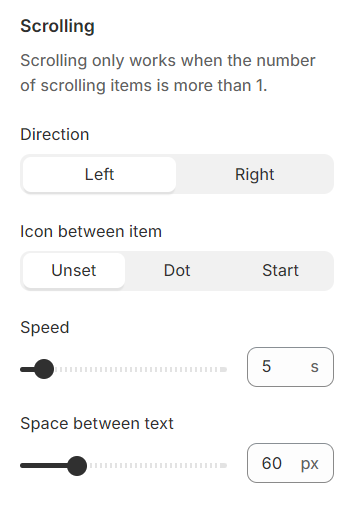
Scrolling settings#
Direction : Set the scrolling direction.
Icon between items : Choose no icon, a dot, or a star to appear between items.
Speed : Define the time period for a complete scroll cycle.
Space between text : Specify the distance between two text contents.
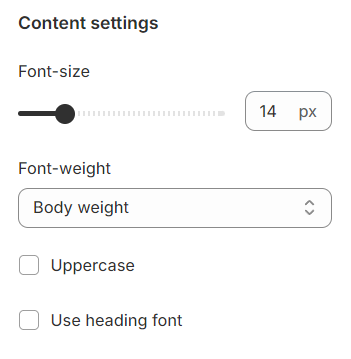
Content settings#
Font-size : Configure the font size for the text.
Font-weight : Set the font weight to adjust text boldness.
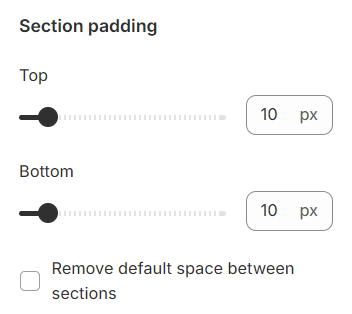
Section padding#
Section padding allows you to specify the space between this section and the preceding or following sections, or both.
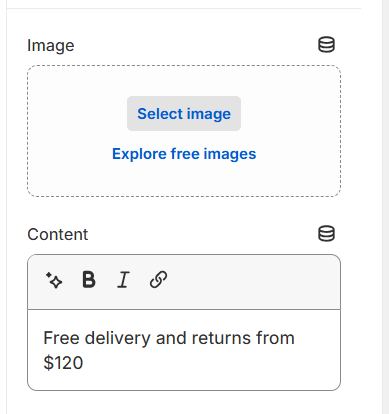
Blocks settings#
This is the section where you can configure your content.
Last updated 2 months ago