Multi content [Version 2.6.0]
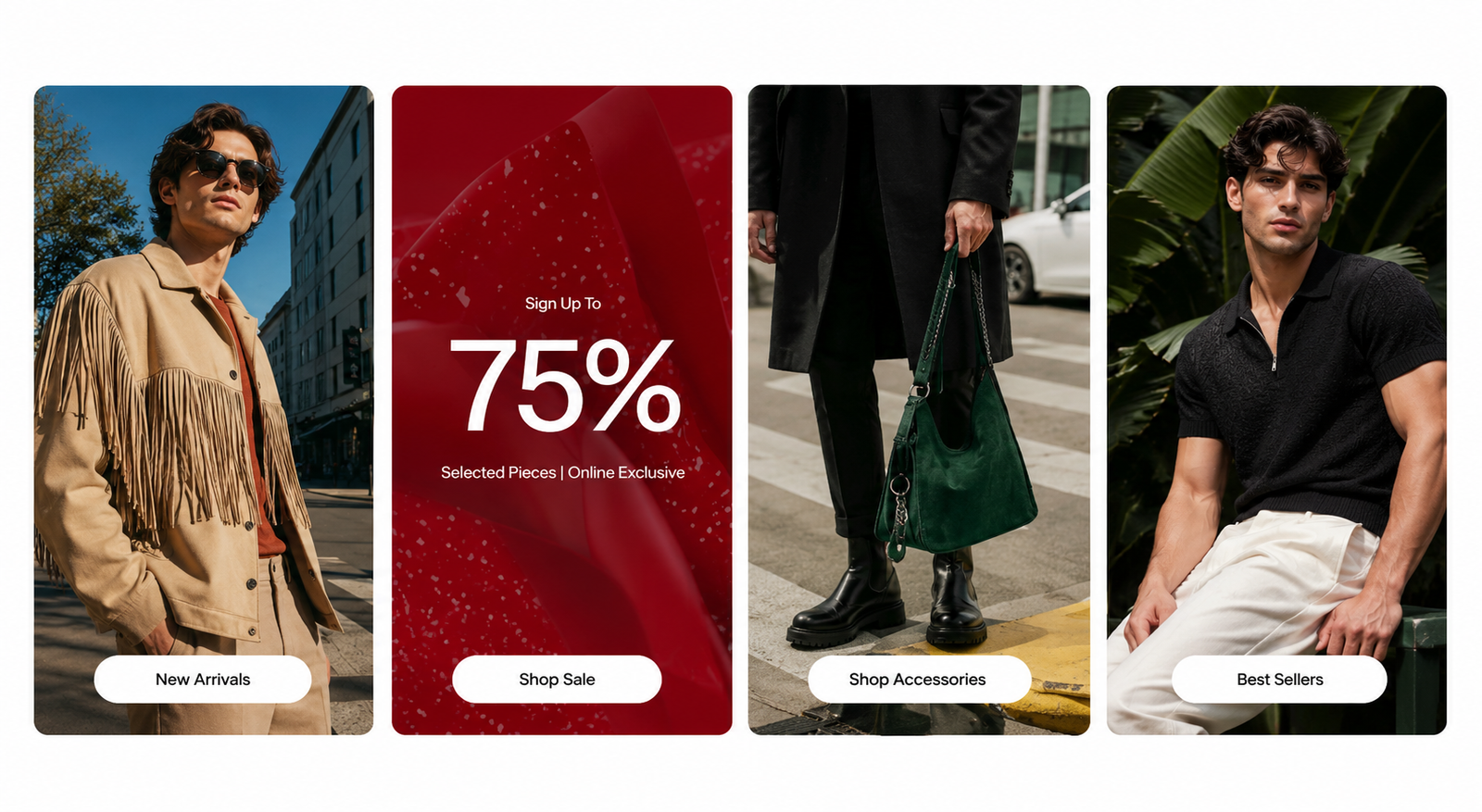
General settings#
| Setting | Description |
|---|---|
Section width | You can choose among Fluid Container, Stretch width, Full width for the layout or just leave it with the default layout of the video. |
Color scheme | You are allowed to change text color, background color, etc. with preset color. |
Heading, description | Use the provided text fields to add a suitable heading/description. Leave any of them blank if you do not want to display them. |
Header size, alignment | Adjust the text alignment (left/center/right) along with the font size. |
Column gap | Adjust the spacing between blocks to enhance layout clarity and visual separation. |
Content background color | Set the background color for the content area to match your design preferences. |
Block setting#
Equal height adjustment: This setting will ensure that the blocks have equal heights.
Mobile options#
Enable carousel on mobile: Enable this option to activate the carousel functionality for mobile devices, ensuring a smooth and interactive browsing experience.
Items per row: Define the number of items displayed per row for a clean and organized layout.
Section padding#
Top padding: Customize the top margin of the section
Bottom padding: Customize the bottom margin of the section
Block settings#
Block setting#
| Setting | Description |
|---|---|
Vertical alignment | 3 options for the vertical alignment
|
Width | Adjust the width of the block image
|
Image#
| Setting | Description |
|---|---|
Upload image | Upload desired image |
Image link | The link URL you want to add |
Video#
| Setting | Description |
|---|---|
Video URL | Accept the use of YouTube or Vimeo links |
Video local | Use manually uploaded videos |
Cover image | The image that displays before a customer plays the video. You can upload a custom cover image from your Shopify admin. |
Enable video autoplay | When autoplaying videos, the sound will be automatically muted |
Aspect ratio | The aspect ratio for the section:
|
Text#
| Setting | Description |
|---|---|
Heading | Heading content |
Description | Description content |
Button label | Button content |
Button style | The style of the button
|
Button link | The link URL you want to add |
Color scheme | Select colors from Theme settings → Colors |
Content alignment | 3 options for the content alignment
|
Size | Font size content customization
|
Image with text below#
| Setting | Description |
|---|---|
Image | Upload desired image |
Mobile image | Upload desired image mobile |
Color scheme | Select colors from Theme settings -> Colors |
Content setting#
| Setting | Description |
|---|---|
Subheading | Subheading content |
Heading | Heading content |
Description | Description content |
Button label | Button content |
Button style | The style of the button
|
Button link | The link URL you want to add |
Desktop content position | 3 options for the desktop content position
|
Content alignment | 3 options for the content alignment
|
Size | Font size content customization
|
Last updated 1 year ago