Faq
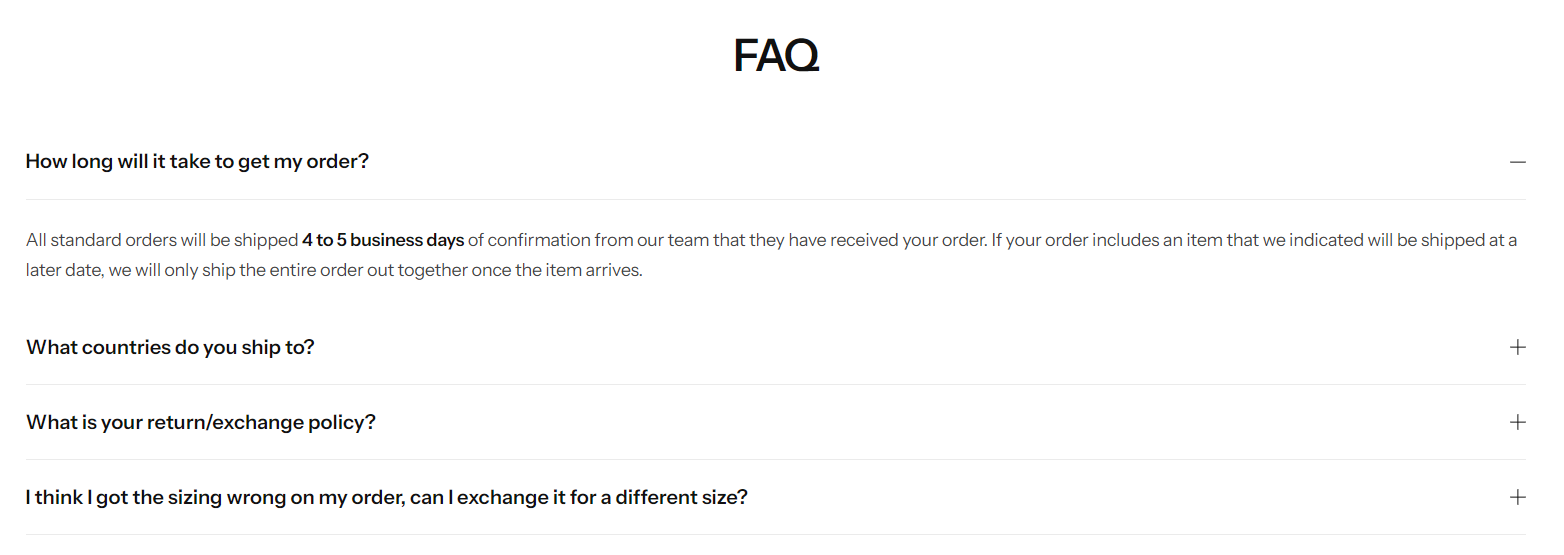
Steps
In the theme editor ( Customize ), click Add section
Locate Faq
Save
Section settings#
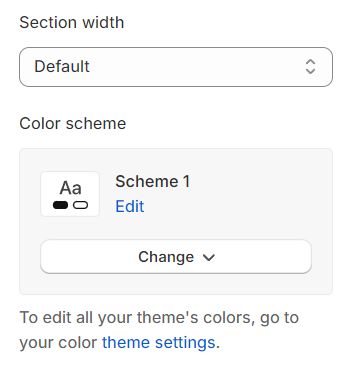
Section width: You can choose among Fluid Container, Stretch width, Full width for the layout or just leave it with the default layout of the video.
Color scheme: You are allowed to change text color, background color, etc. with preset color.
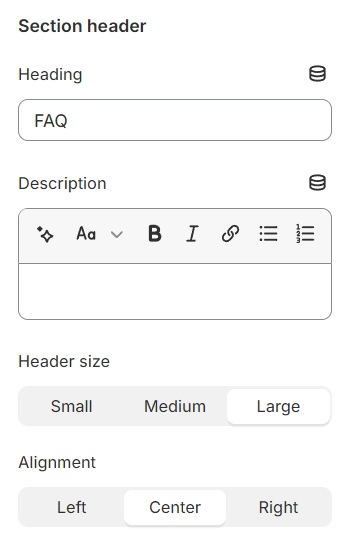
Use the provided text fields to add a suitable heading/description. Leave any of them blank if you do not want to display them.
Adjust the text alignment (left/center/right) along with the font size.
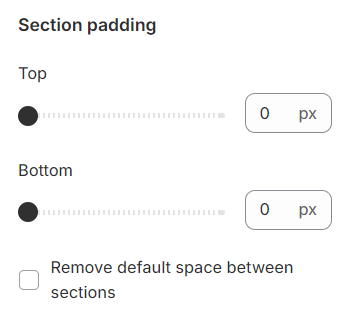
Section padding#
Section padding allows you to specify the space between the slideshow and the preceding or following sections, or both.
Block settings#
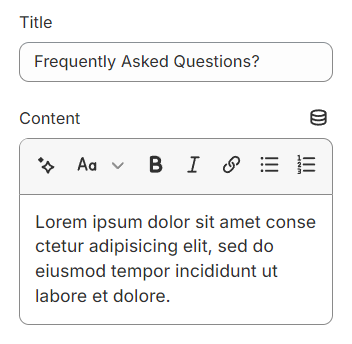
These blocks are designed to display FAQs, providing a structured format for presenting frequently asked questions and their answers in an organized and accessible manner.
Last updated 1 year ago