Wishlist
If you're looking for a way to increase sales on your Shopify store, then you should definitely consider adding a Wishlist page. This is a great way to allow customers to save items they are interested in.
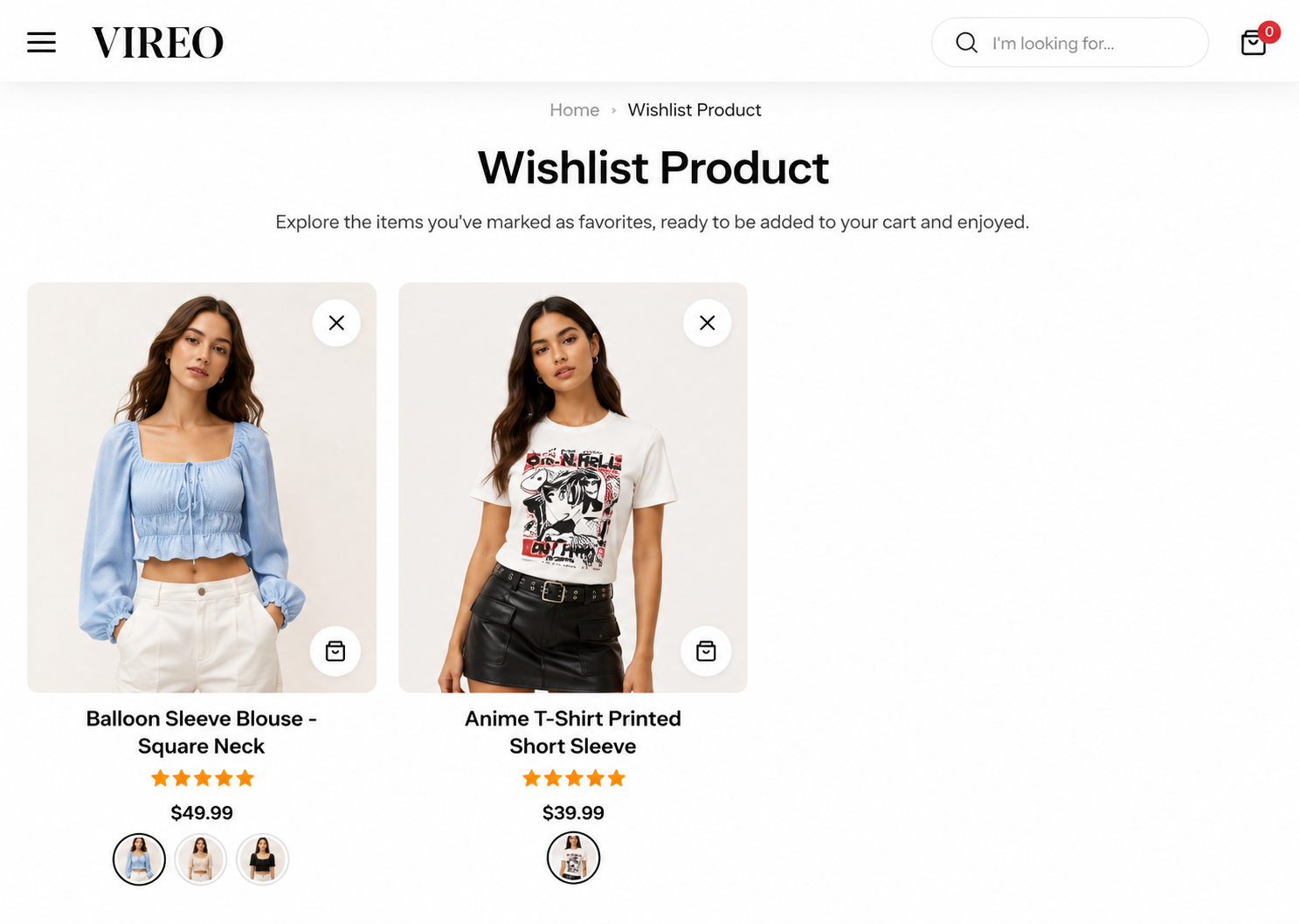
Steps
In the theme editor (Customize) , open the template selector
Select Pages , then Wishlist.
Make necessary changes
Save
Section settings#
Section width: You can choose among Fluid container, Full width, Stretch width for the banner layout.
Section padding allows you to specify the space between this section and the preceding or following sections, or both.
Last updated 1 year ago