Change currency
Single currency#
Step:
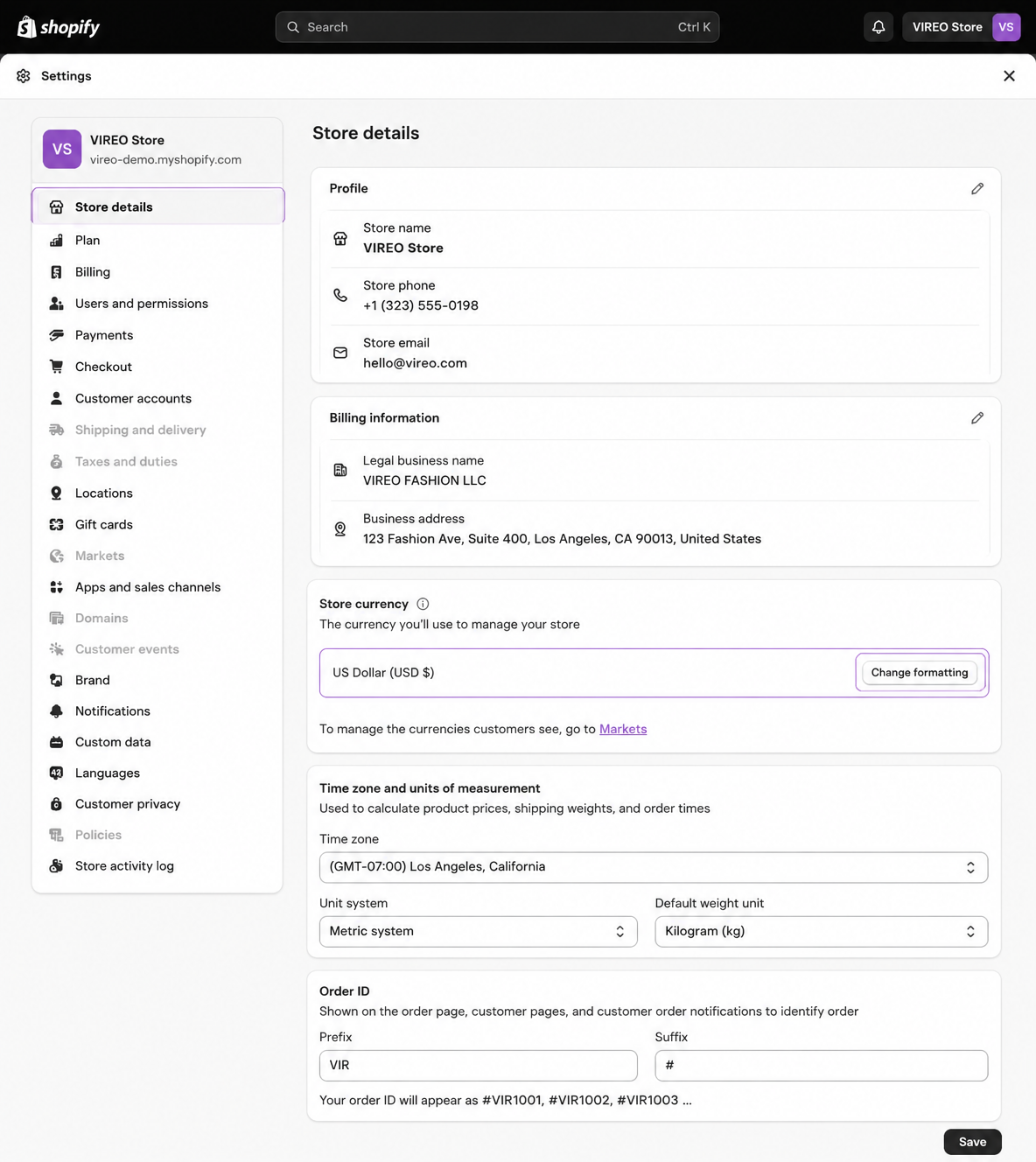
From your Shopify admin, go to Settings > Store details .
In the Store currency section, select your new store currency from the list.
Click Save .
Multi-currency#
To sell in multiple currency, you need to install Geolocation app by shopify.
Step 1: Install the Geolocation app by Shopify
Step 2: Add Market
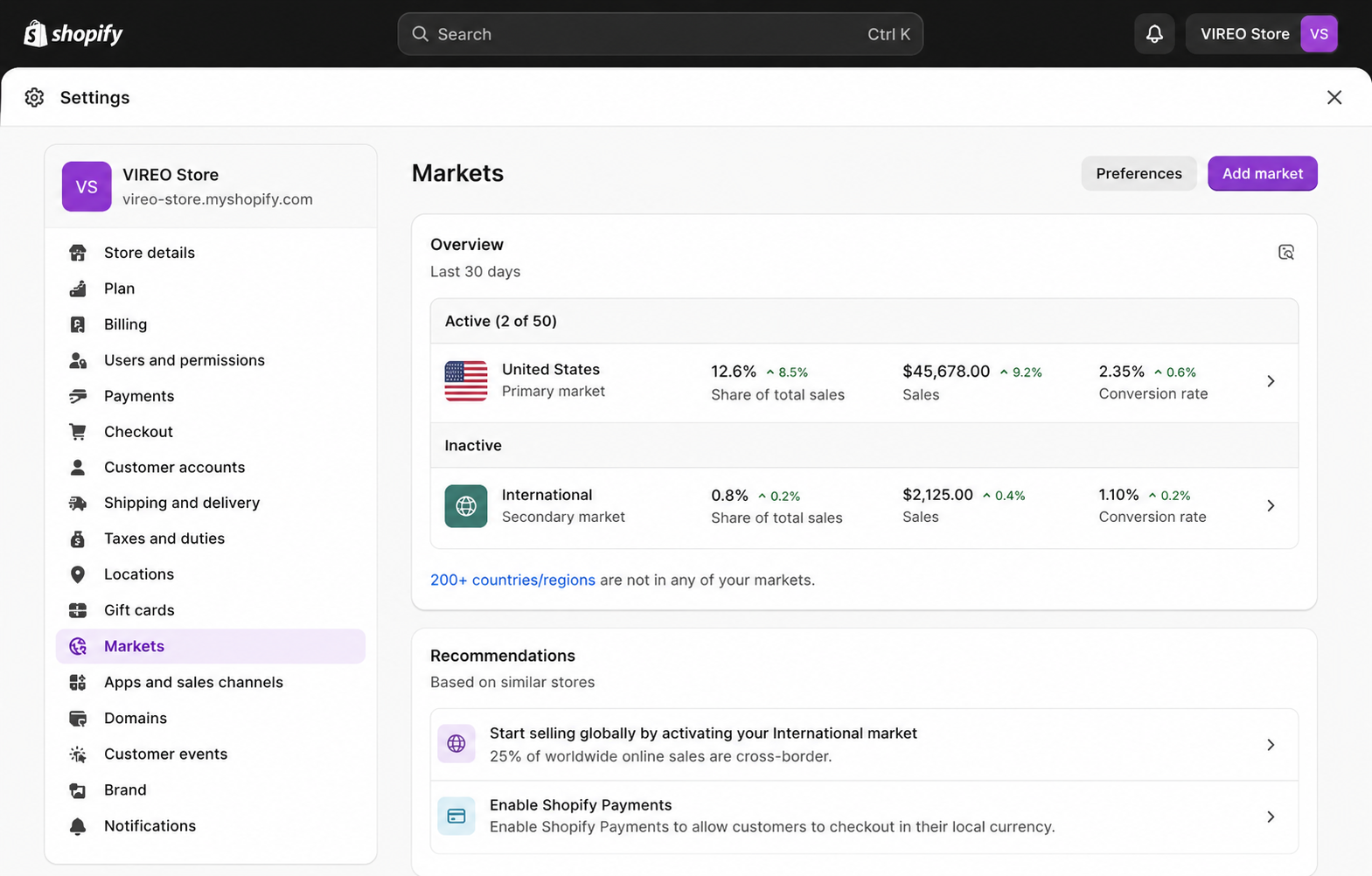
Go to Settings -> Market -> Add market to add a new Market
Note*: To set the currency for new market, your must setup Shopify Payments first.
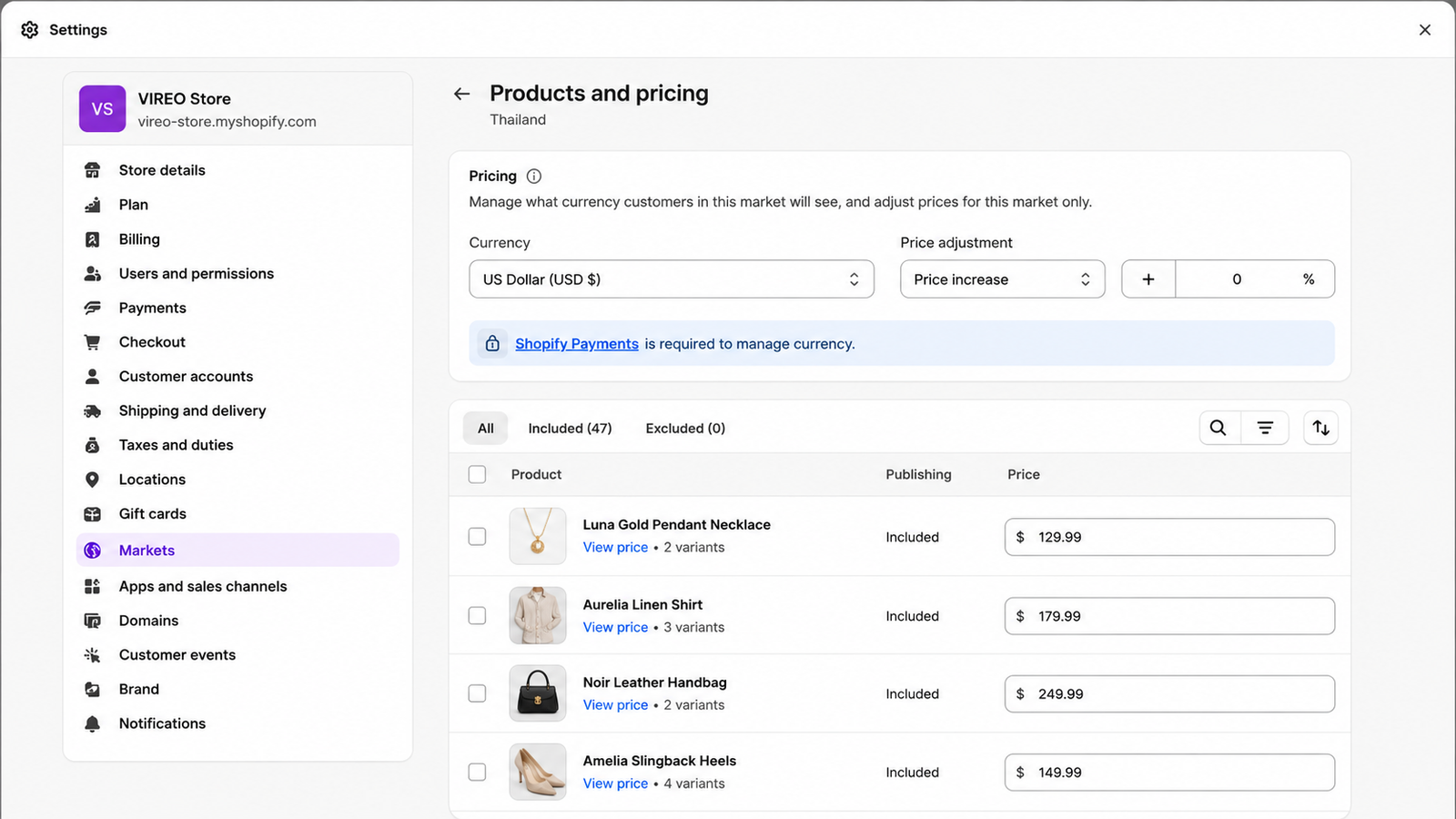
Step 3: Setting currency to your new market
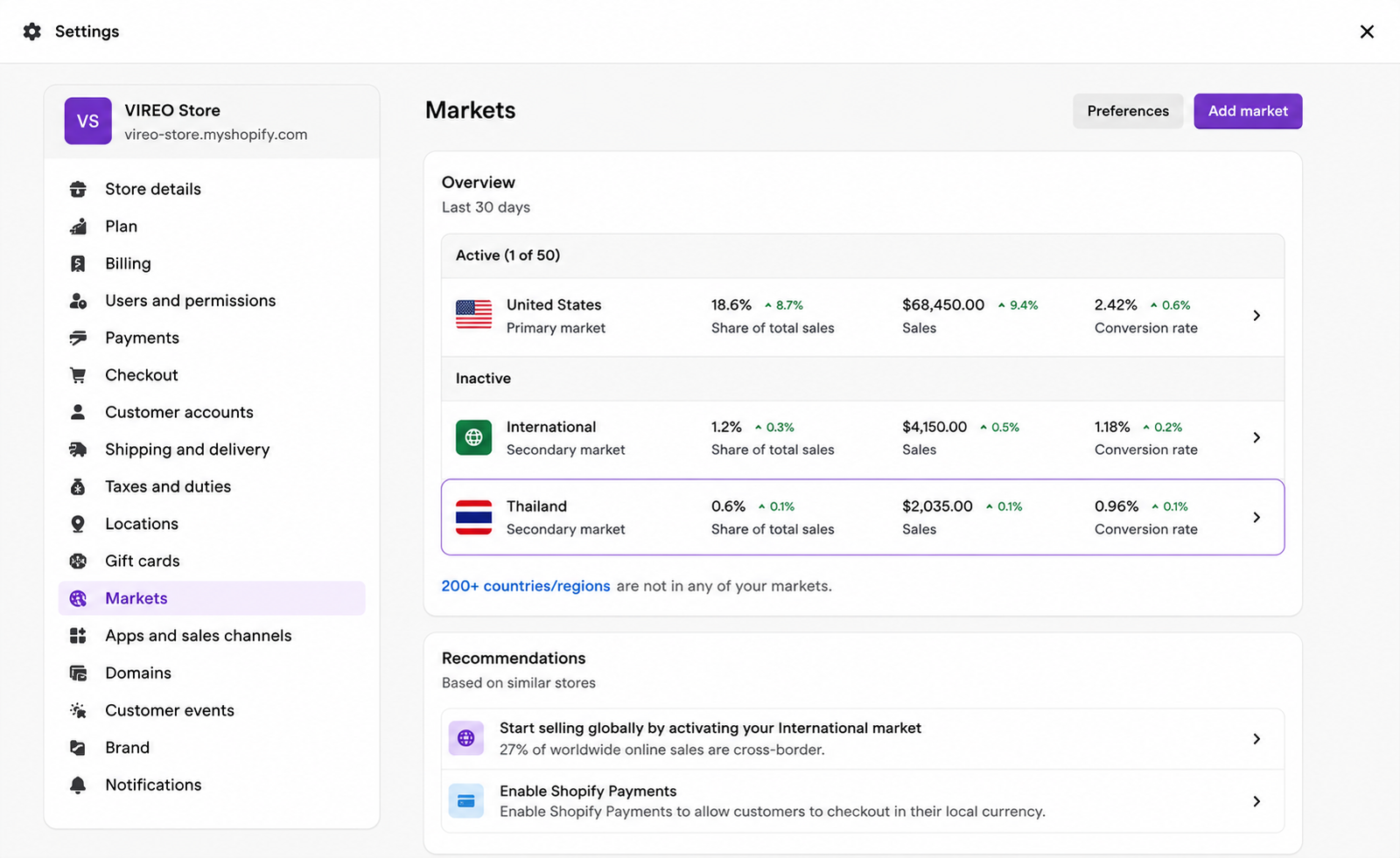
Go to Settings -> Market -> Manage
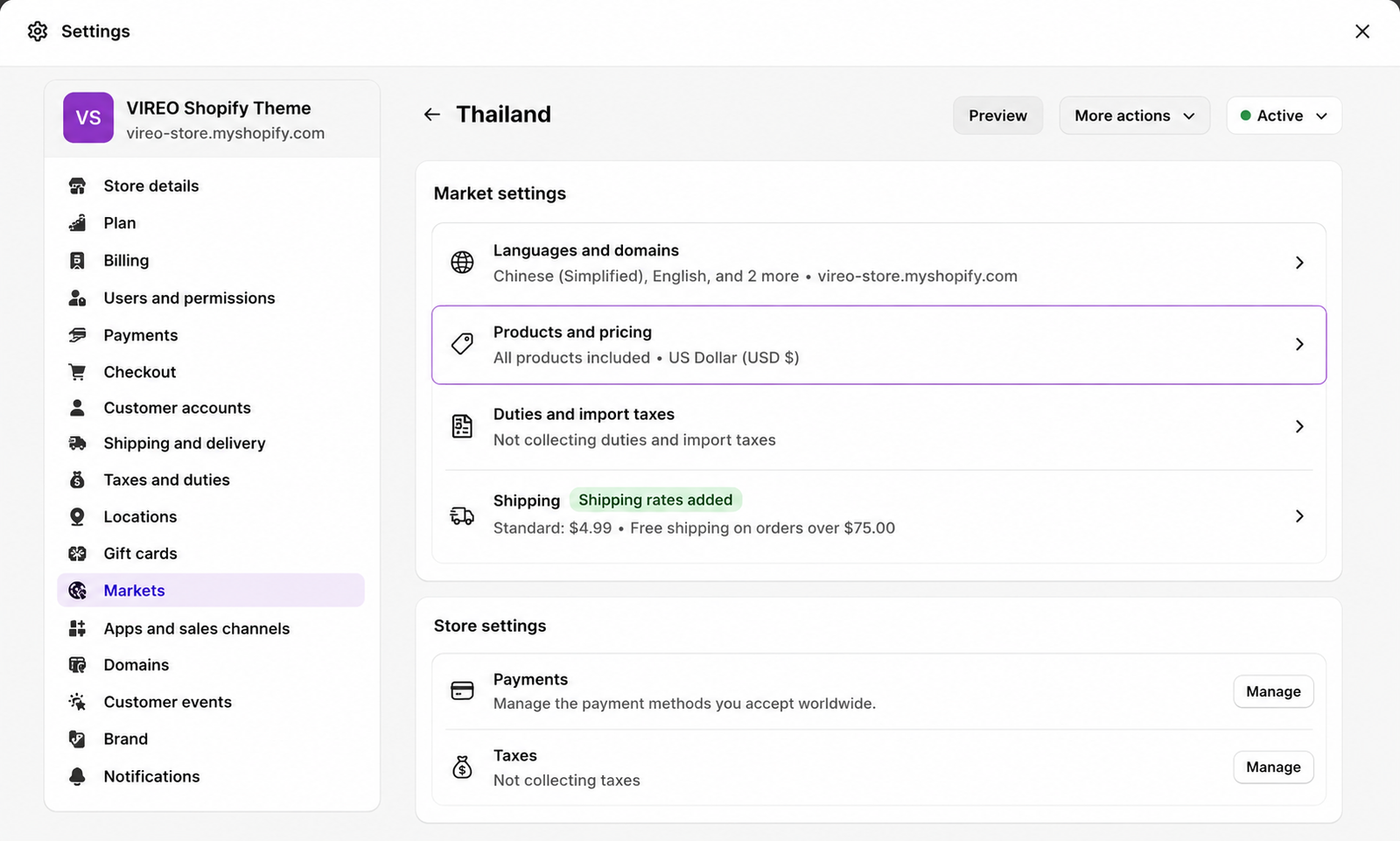
Click to Manage -> Products and pricing of your new market.
Select the currency for this market.
Last updated 9 months ago