Image with text overlay

The image with text section provides an appealing and dynamic approach mixing media, message, and a call-to-action button. This is a great way to promote a product/collection or any exciting feature on your online store.
Steps
In the theme editor ( Customize ), click Add section
Locate Banner with text
Save
Section settings#
General#
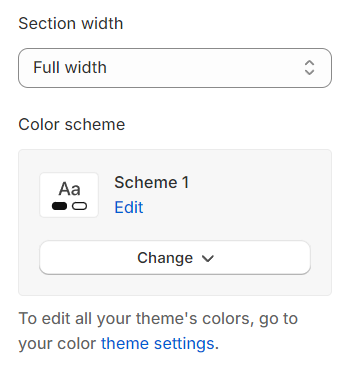
Section width: You can choose between Fluid Container, Stretch width, Full width for the layout or just leave it with the default layout of the video.
Color scheme: You are allowed to change text color, background color, etc. with preset color.
Image#
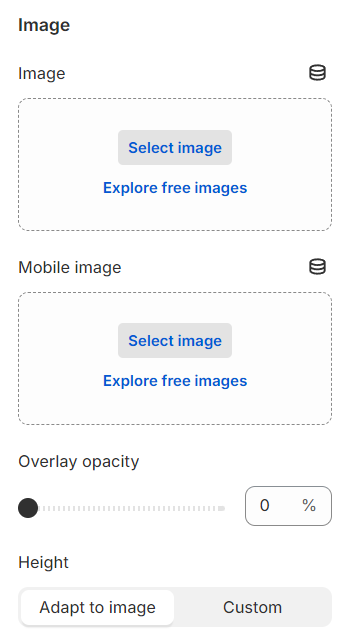
Image : Select or upload an image for the banner on both desktop and mobile views.
Overlay opacity : Adjust the opacity level of the image overlay.
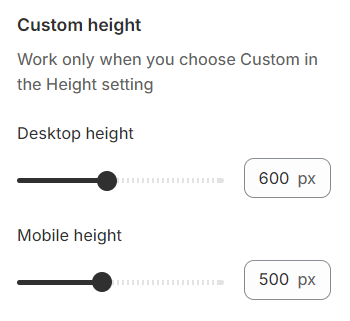
Height : Choose to automatically adapt the image height or set a custom height.
Content settings#
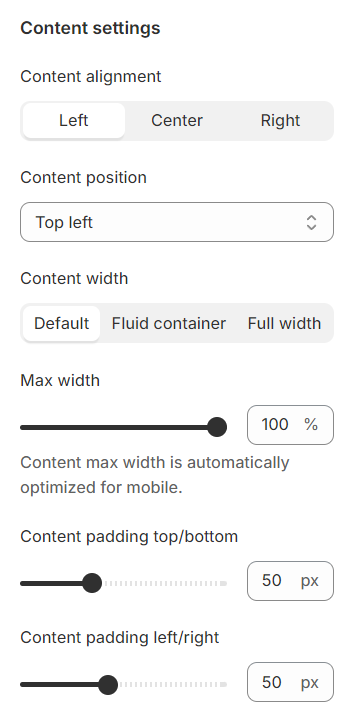
Content alignment: Options to align text left, center, or right are available.
Content position: Vertically and horizontally align the content for optimal positioning.
Content width: Define the width of the content box for a tailored fit.
Content padding : Configure the padding for the content box.
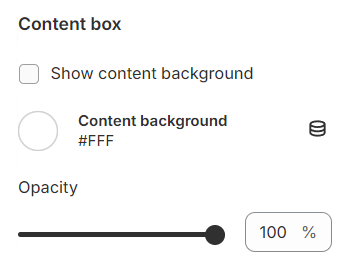
Content box#
You can set a background color and adjust the opacity for the it.
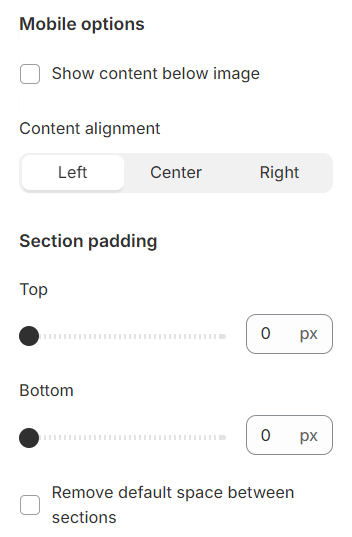
Mobile options and Section padding#
Content Placement : Choose to display content below the image or maintain the same layout as on desktop.
Content alignment : Set the alignment for content on mobile devices.
Section padding allows you to specify the space between this section and the preceding or following sections, or both.
Block settings#
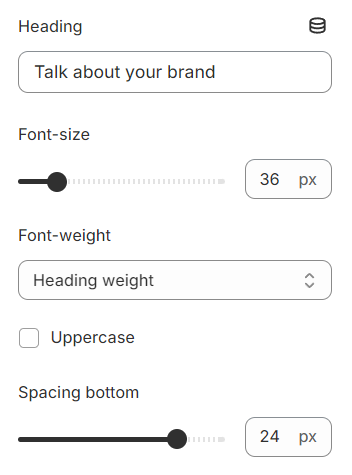
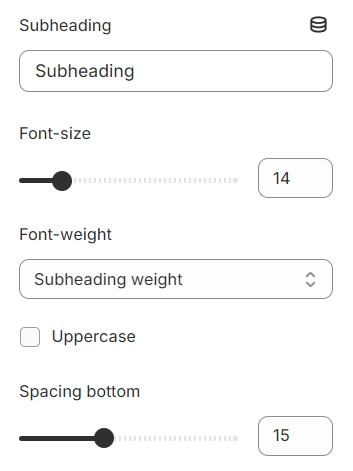
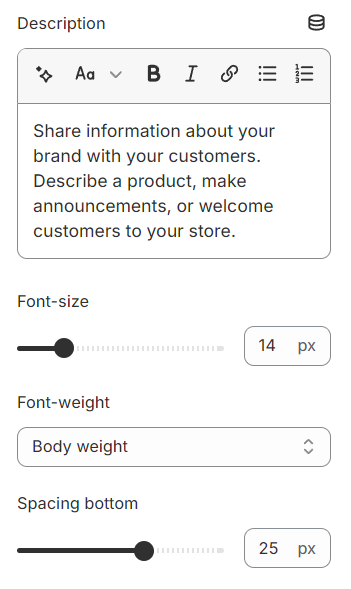
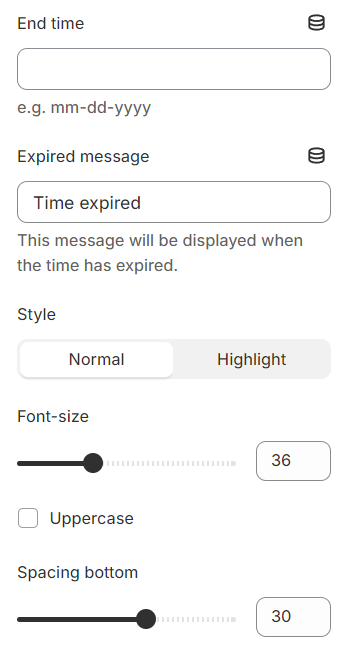
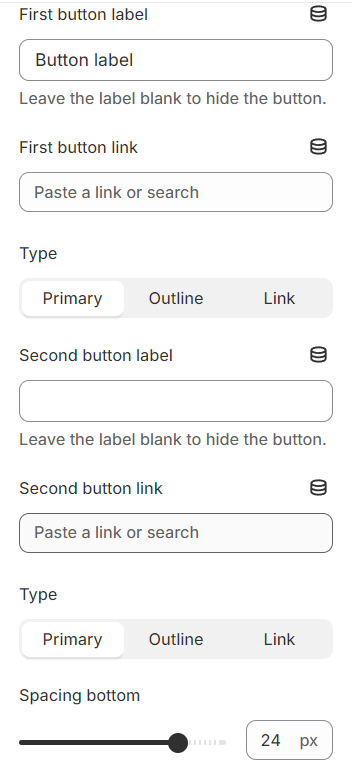
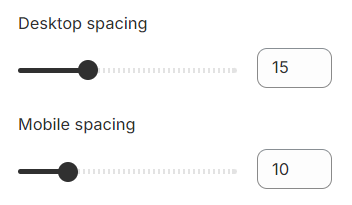
Each block includes settings for content such as font size, font weight, text transformation, and spacing.
Heading#
Subheading#
Description#
Timer#
Button#
Spacing#
Section padding allows you to specify the space between this section and the preceding or following sections, or both.
Last updated 1 year ago