Products list
Displays products from a selected collection in an engaging and attractive section.
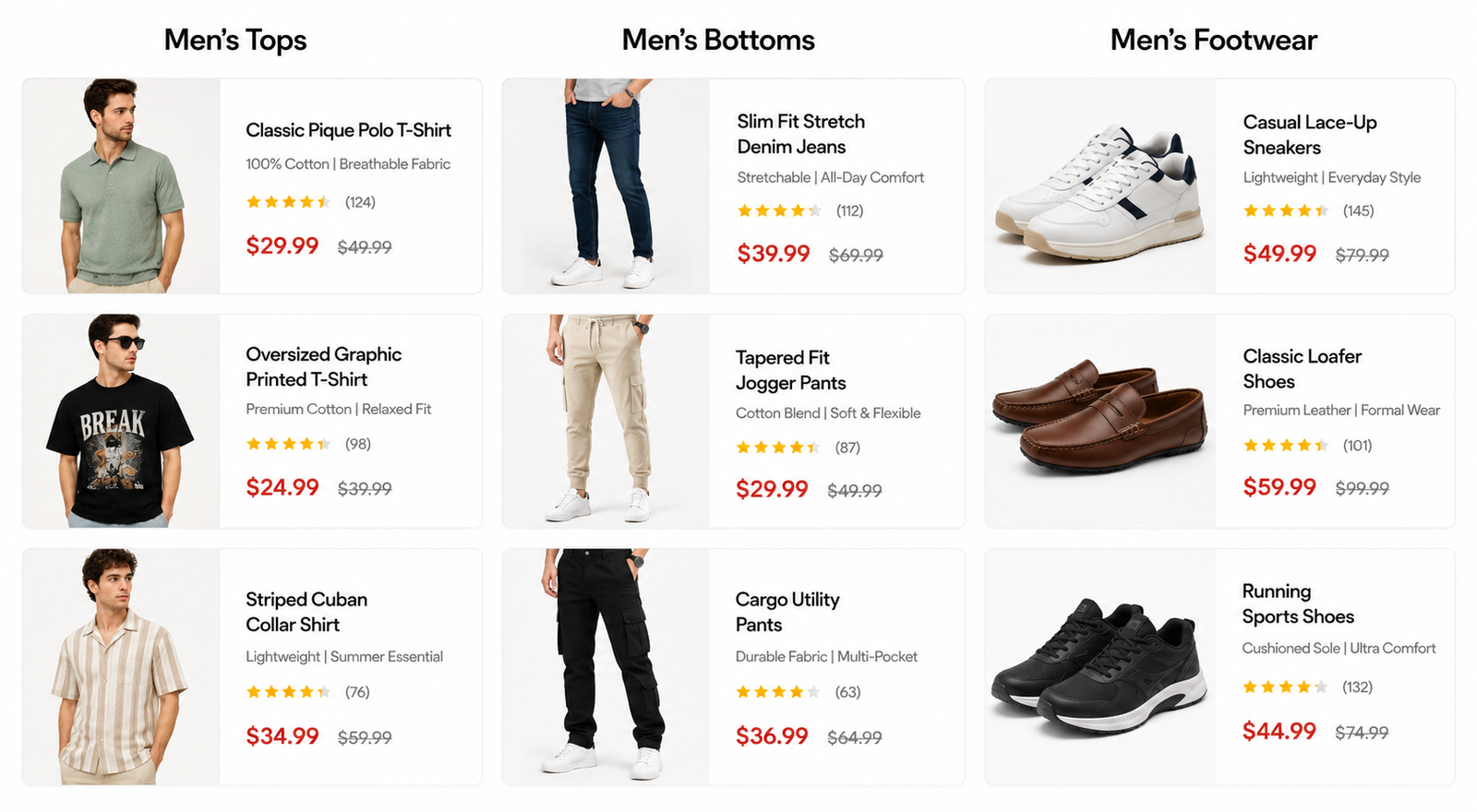
Steps
In the theme editor ( Customize ), click Add section
Locate Products list
Save
Section settings#
General and Section header#
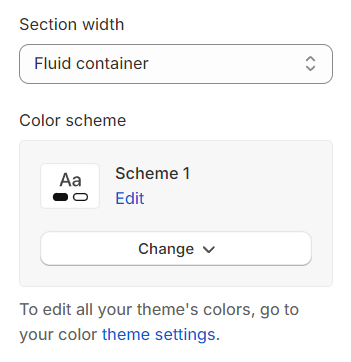
Section width: You can choose among Fluid container, Full width, Stretch width for the banner layout.
Color scheme: Set text color and background color with preset scheme
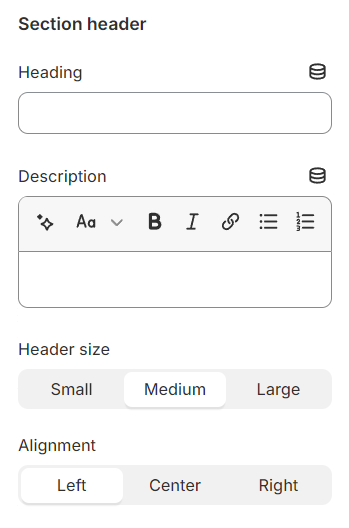
Use the provided text fields to add a suitable heading/description. Leave any of them blank if you do not want to display them.
Adjust the text alignment (left/center/right) along with the font size.
Products settings#
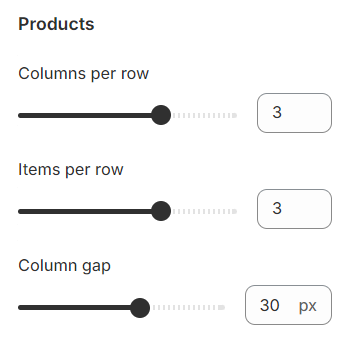
Columns per row: The number of column on each row in the grid layout.
Items per row: The number of items displayed on each row in the grid layout can be customized to suit your preferences and the overall design of your site.
Column gap: The spacing between each column pair
Mobile options and Section padding#
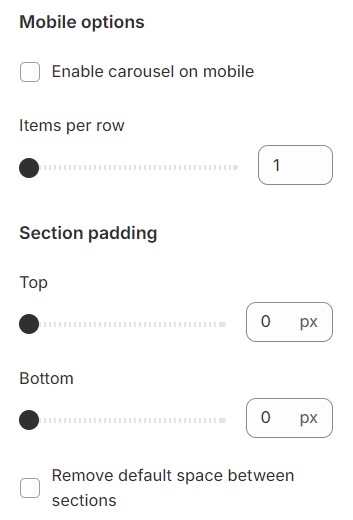
Items per row: In mobile view, the number of items displayed on each row in the grid layout can be customized to suit your preferences and the overall design of your site.
Section padding allows you to specify the space between this section and the preceding or following sections, or both.
Blocks settings#
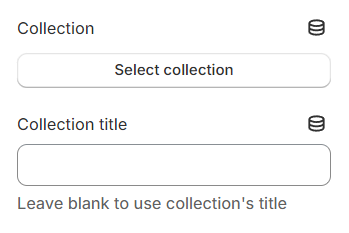
Choose a collection to showcase, and if the Collection title is provided, it will replace the default collection title, offering a more customized presentation.
Last updated 1 year ago