Outfit Ideas
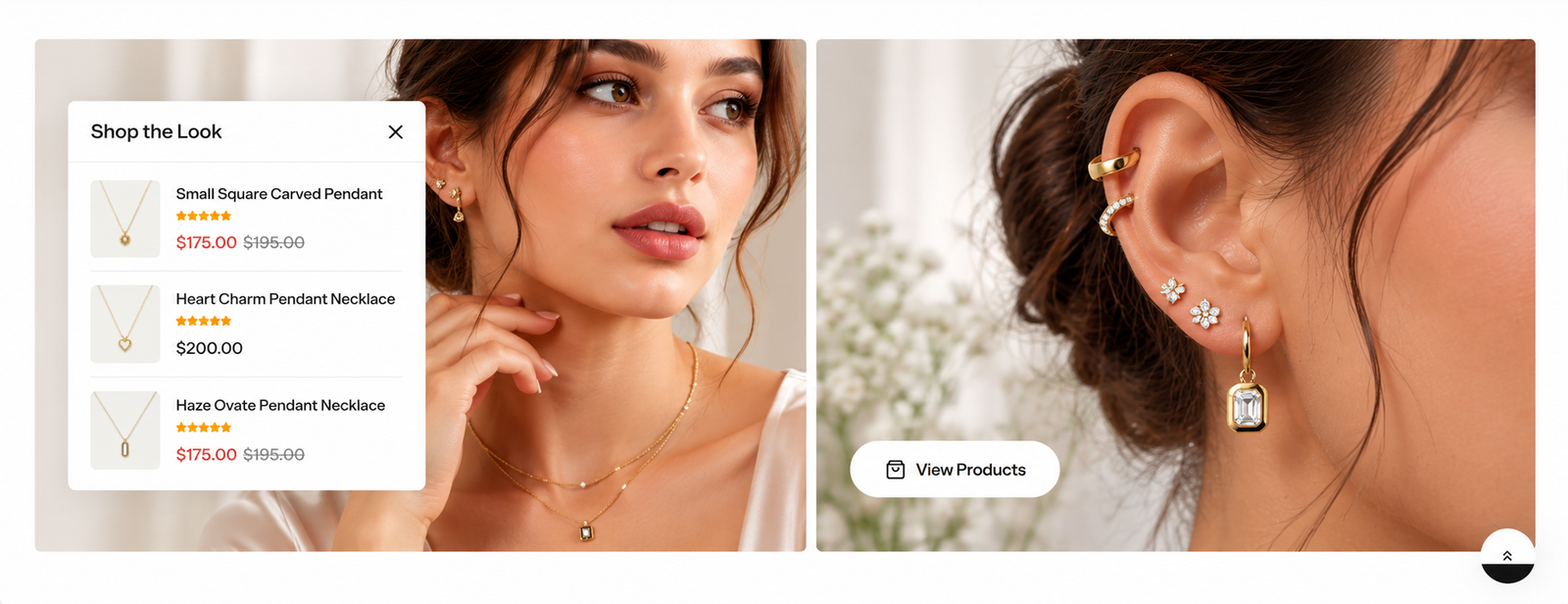
The Outfit Ideas displays a quick list of desired products to catch visitors' attention.
Steps
In the theme editor ( Customize ), click Add section
Locate Outfit Ideas
Save
Section settings#
Section header and General#
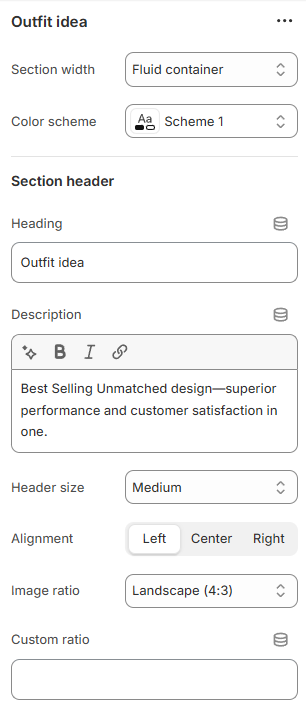
Section width: You can choose among Container, Wrapped container, Full width for the banner layout.
Color scheme: Set text color and background color with preset scheme.
Use the provided text fields to add a suitable heading/subheading/description. Leave any of them blank if you do not want to display them.
Adjust the text alignment (left/center/right) along with the font size.
Products#
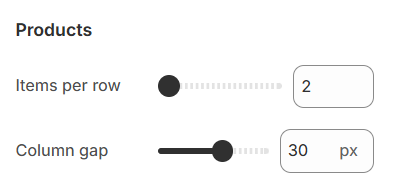
Items per row: The number of items displayed on each row in the grid layout can be customized to suit your preferences and the overall design of your site.
Column gap: The spacing between each column pair
Section padding:#
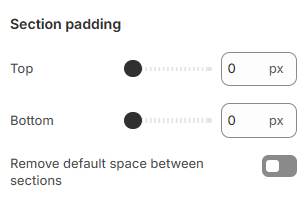
Section padding allows you to specify the space between this section and the preceding or following sections, or both.
Block settings#
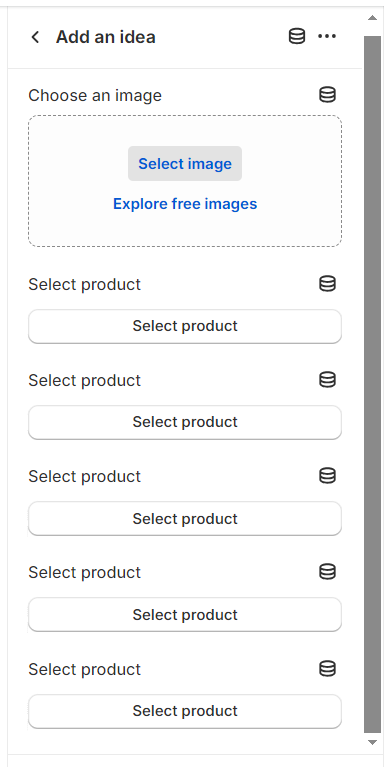
For collection items, you have the capability to configure the following elements:
Image: Choose or upload an image associated with the collection.
Product: Select Product.
Last updated 9 months ago