Featured product
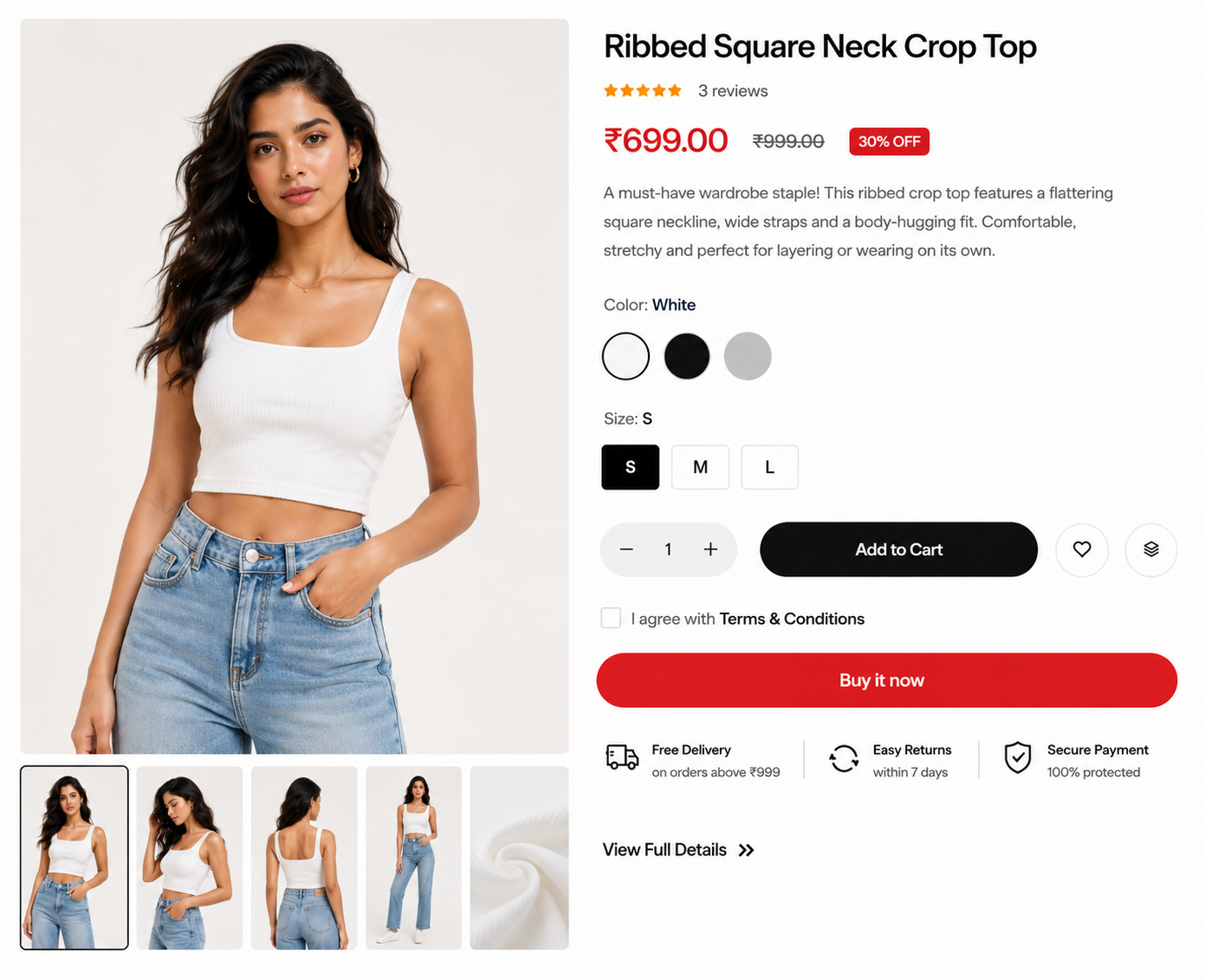
Steps
In the theme editor ( Customize ), click Add section
Locate Featured product
Save
Section settings#
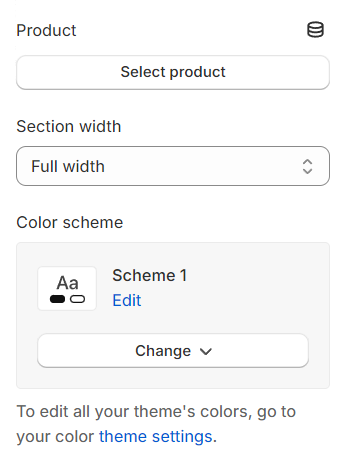
Product: Select the product you wish to display.
Section width: You can choose among Fluid Container, Stretch width, Full width for the layout or just leave it with the default layout of the video.
Color scheme: You are allowed to change text color, background color, etc. with preset color.
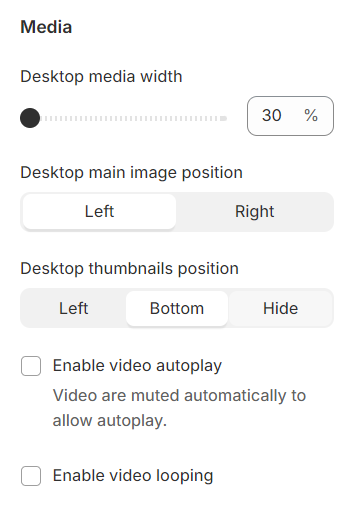
Desktop media width : Configure the media width for desktop displays.
Desktop main image position : Determine the position of the main image on desktop.
Desktop thumbnails position : Set the position of thumbnails on desktop.
Enable video autoplay : Configure the video to autoplay on desktop.
Enable video looping : Set the video to loop continuously after finishing.
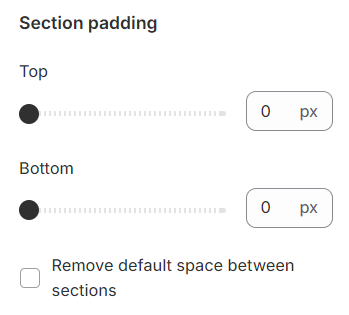
Section padding#
Section padding allows you to specify the space between this section and the preceding or following sections, or both.
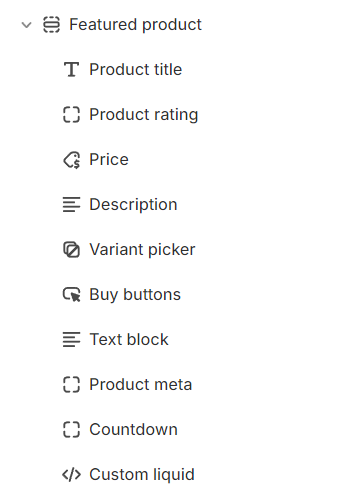
Block settings#
With each block added, you will have the option to relocate them and access more detailed settings.
Last updated 1 year ago