Products recently viewed
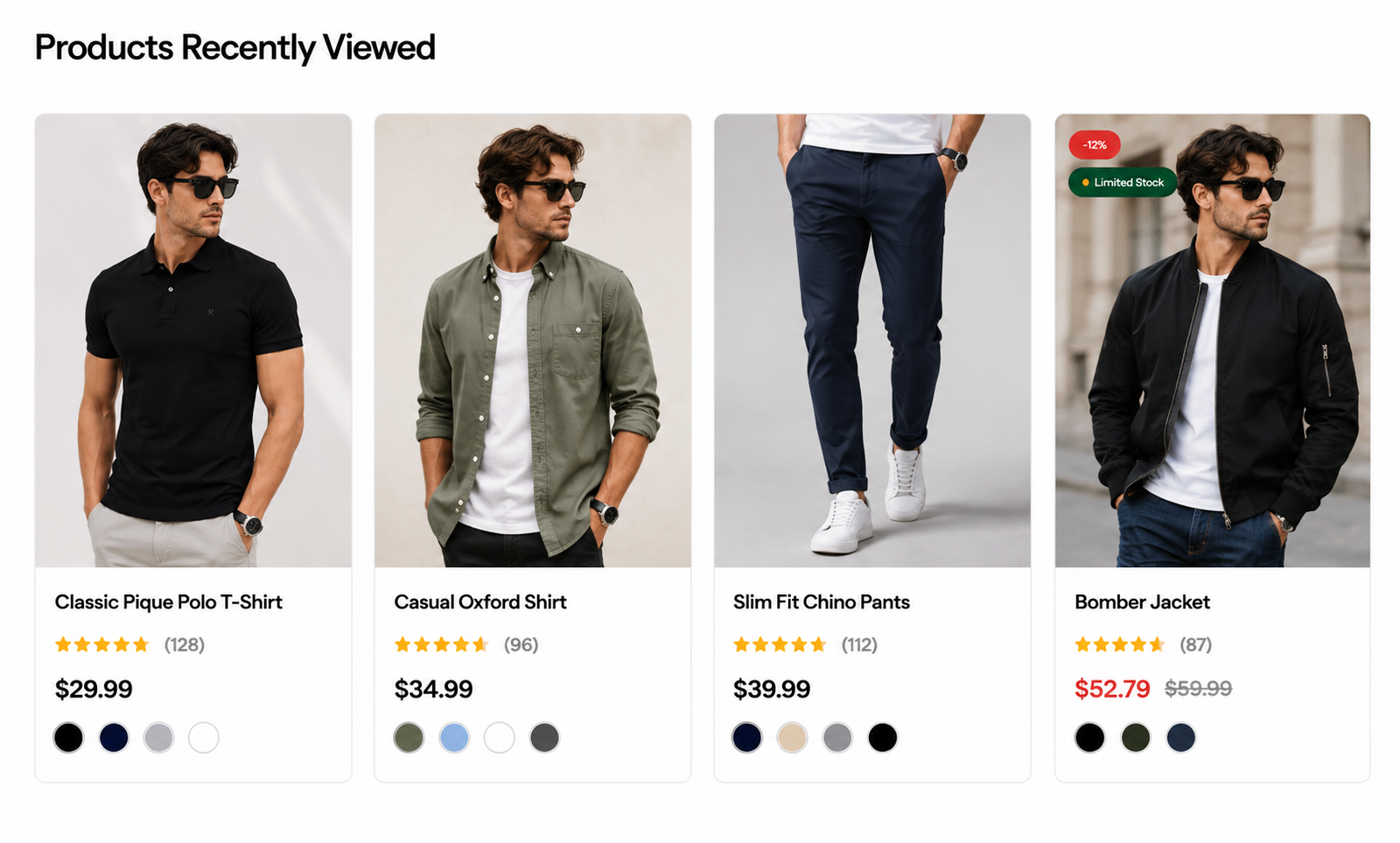
Steps
In the theme editor ( Customize ), click Add section
Locate Products recently viewed
Save
Section settings#
Section header and general#
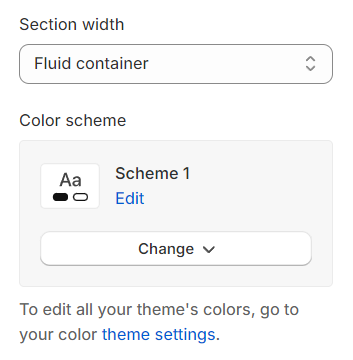
Section width: You can choose among Fluid container, Full width, Stretch width for the banner layout.
Color scheme: Set text color and background color with preset scheme
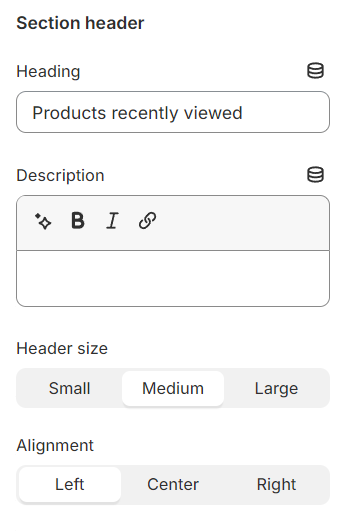
Use the provided text fields to add a suitable heading/description. Leave any of them blank if you do not want to display them.
Adjust the text alignment (left/center/right) along with the font size.
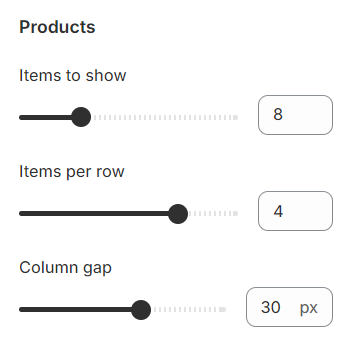
Products settings#
Determine the total number of products to showcase, configure how many products should appear in each row, and adjust the spacing between adjacent products for a neat and organized presentation.
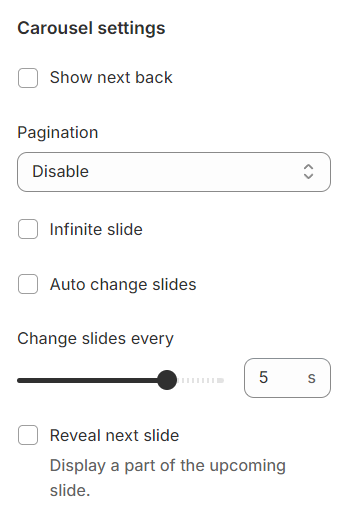
Carousel settings#
Show Next/Back: Display arrows to navigate to the next or previous item.
Pagination: Choose from different types of pagination options.
Setup period time: Configure the time interval for changing slides.
Reveal next slide: Allow a part of the next slide to be visible while the previous one is still displayed.
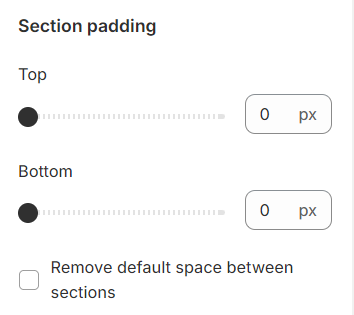
Mobile options and Section padding#
Section padding allows you to specify the space between this section and the preceding or following sections, or both.
Last updated 1 year ago