Banner packery
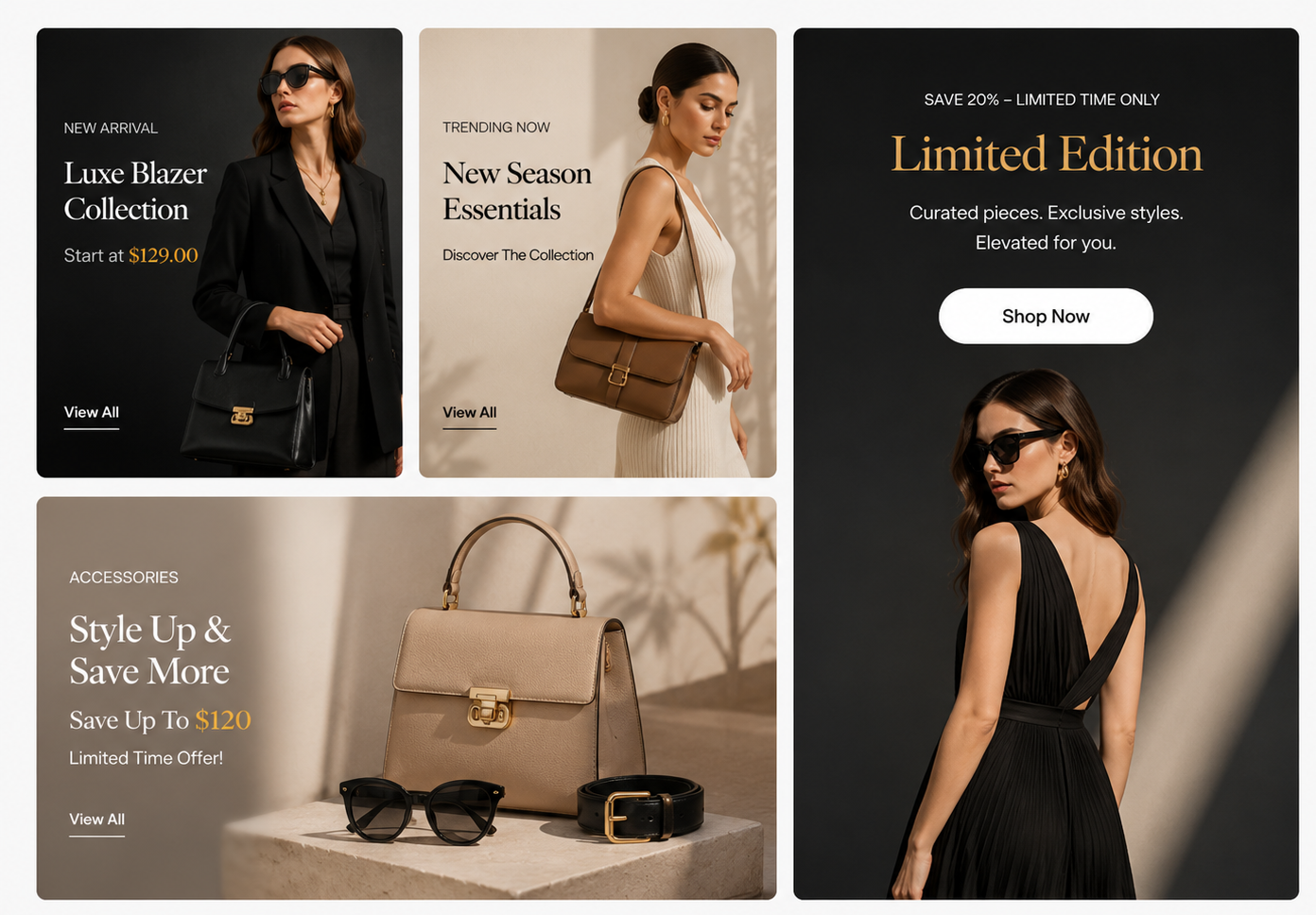
Steps
In the theme editor ( Customize ), click Add section
Locate Banner packery
Save
Section settings#
Section header and General#
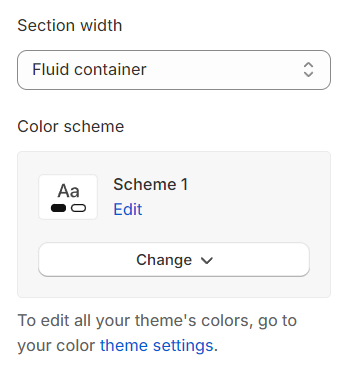
Section width: You can choose among Container, Wrapped container, Full width for the banner layout.
Color scheme: Set text color and background color with preset scheme
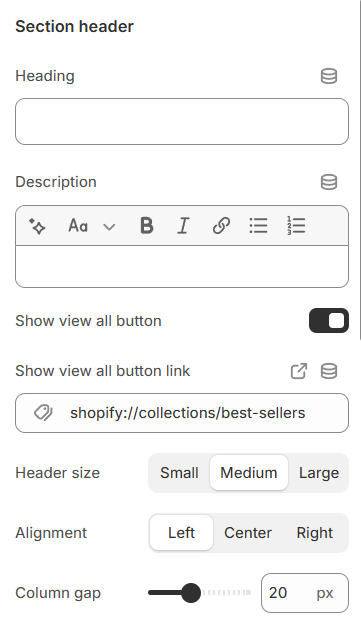
Use the provided text fields to add a suitable heading/subheading/description. Leave any of them blank if you do not want to display them.
Show view all button: Enable this option to display a "View All" button, allowing users to see the complete collection or list of items.
Show view all button link: Select the link for the "View All" button, directing users to the full collection or relevant page.
Adjust the text alignment (left/center/right) along with the background color and container type.
Column gap: Adjust the spacing between columns to control the layout and improve visual organization.
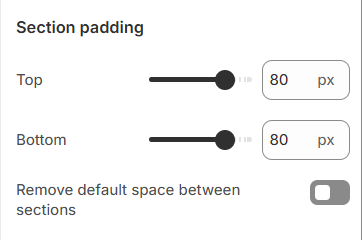
Section padding#
Section padding allows you to specify the space between this section and the preceding or following sections, or both.
Block settings#
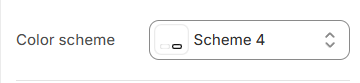
Color scheme: You are allowed to change text color, background color, etc. with preset color.
Image#
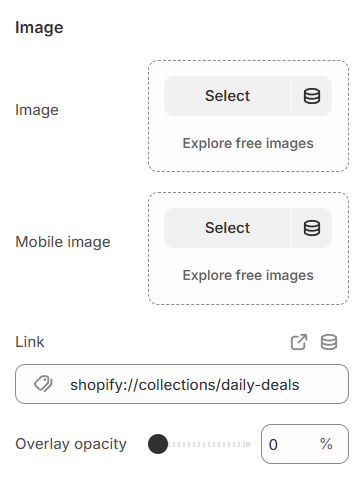
Image : Select or upload an image for the banner on both desktop and mobile views.
Mobile image: Select a specific image to be displayed on mobile devices for better responsiveness and optimized layout.
Link: Add a URL to make the banner clickable, directing users to a specific page when selected.
Overlay opacity: Adjust the transparency level of the overlay to control the visibility of the background image or content.
Content#
Custom svg: Add your custom SVG code to display unique icons, graphics, or design elements.
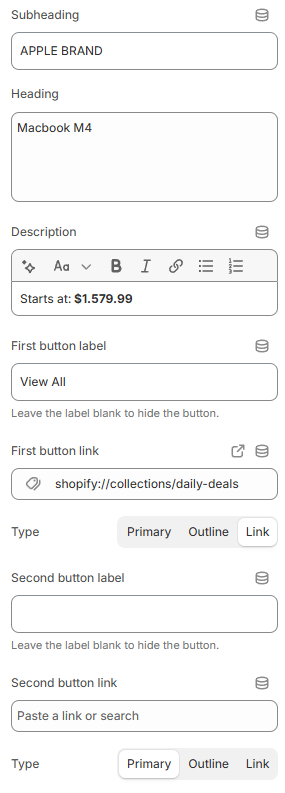
Customize the text content for various elements, including subheading, heading, description, first button, and second button, to match your design and messaging.
Content settings#
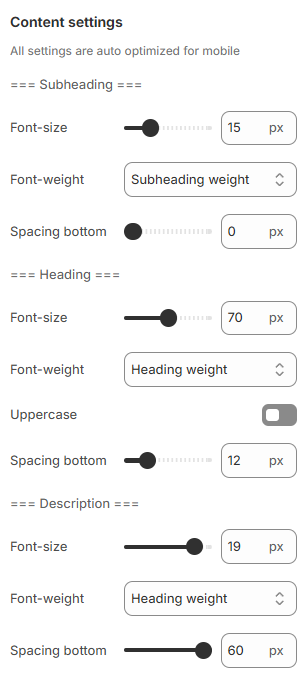
Adjust the font size, font weight, and bottom spacing for content parts, including subheadings, headings, and descriptions, to match your design preferences.
Last updated 1 year ago