Collection banner
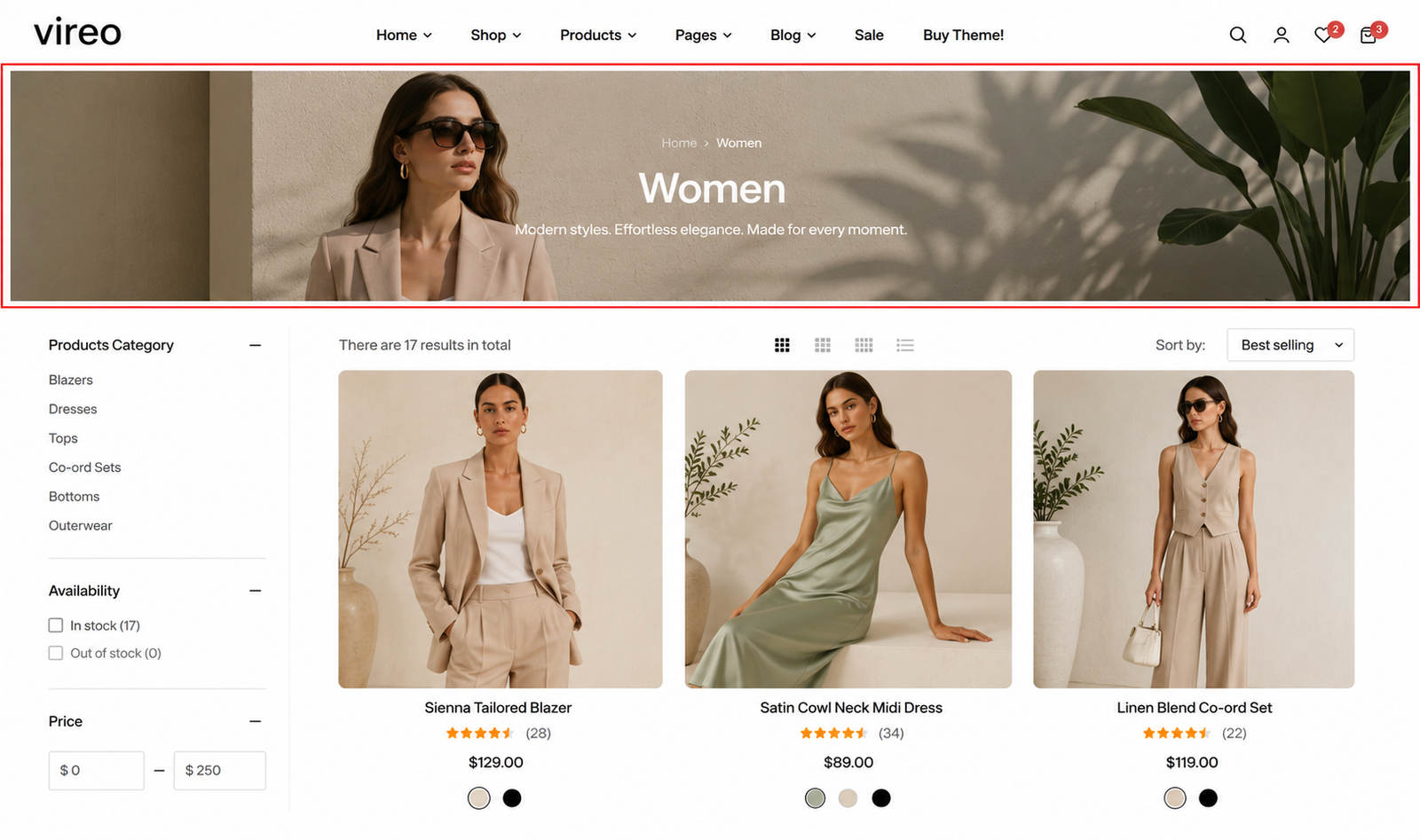
Section settings#
General#
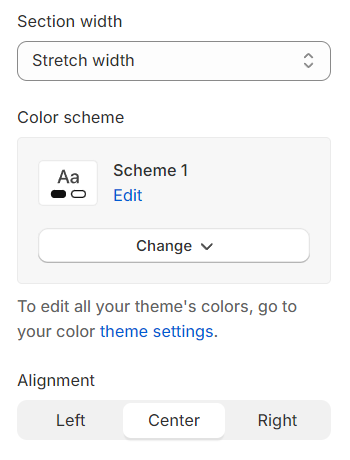
Section width: You can choose among Fluid container, Full width, Stretch width for the banner layout.
Color scheme: Set text color and background color with preset scheme
You can adjust the text alignment (left/center/right) here.
Image#
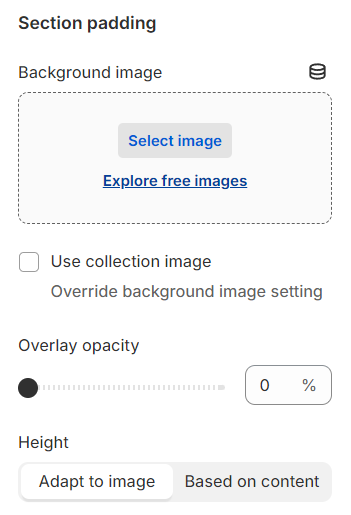
Background image :
Choose image : Select an image to use as the background image or use the collection image to display.
Opacity : Set the opacity level for the thumbnail image.
Height : Adjust the height of the thumbnail image.
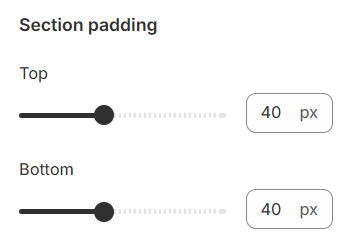
Section padding#
Section padding allows you to specify the space between this section and the preceding or following sections, or both.
Block settings#
Breadcrumb#
Implement breadcrumb navigation to enhance user experience by providing a clear path back to previous pages and helping users understand their location within the website structure.
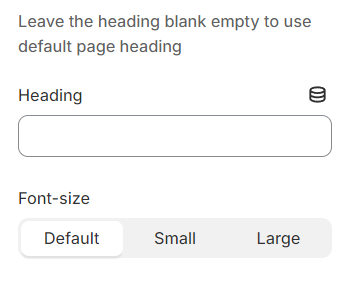
Heading#
Use the provided text field to add a suitable heading. Leave it blank if you do not want to display.
Description#
Use the provided text field to add a suitable description. Leave it blank if you do not want to display.
Last updated 1 year ago